How leave requests work
- Do it on
- Computer (Dashboard)
- Time needed
- 2 minutes
- Before you start
- Nothing
- When you finish
- You know the steps a request goes through
There are two kinds of request, in two separate items under the Lớp Giáo Lý (Catechism Classes) menu:
- Học viên xin nghỉ (Student leave) — a child missing one or more sessions
- Giáo lý viên xin nghỉ (Catechist leave) — a teacher away, so the board can arrange cover
The flow
- Create the request — the child or parent creates it in the app; catechists and the board can create it on their behalf on the Dashboard
- Review it — whoever has the right chooses Approve or Reject
- Attendance — when the session comes, whoever takes attendance marks the child Excused
Approving a request does not change attendance
The system does not mark Excused for you. Whoever takes attendance has to set it by hand, based on the approved request.
The four request statuses
| Status | What it means |
|---|---|
| Pending | Just submitted, nobody has handled it |
| Approved | Accepted; attendance should read Excused |
| Rejected | Not accepted; attendance reads Absent |
| Cancelled | The person withdrew it before it was reviewed |
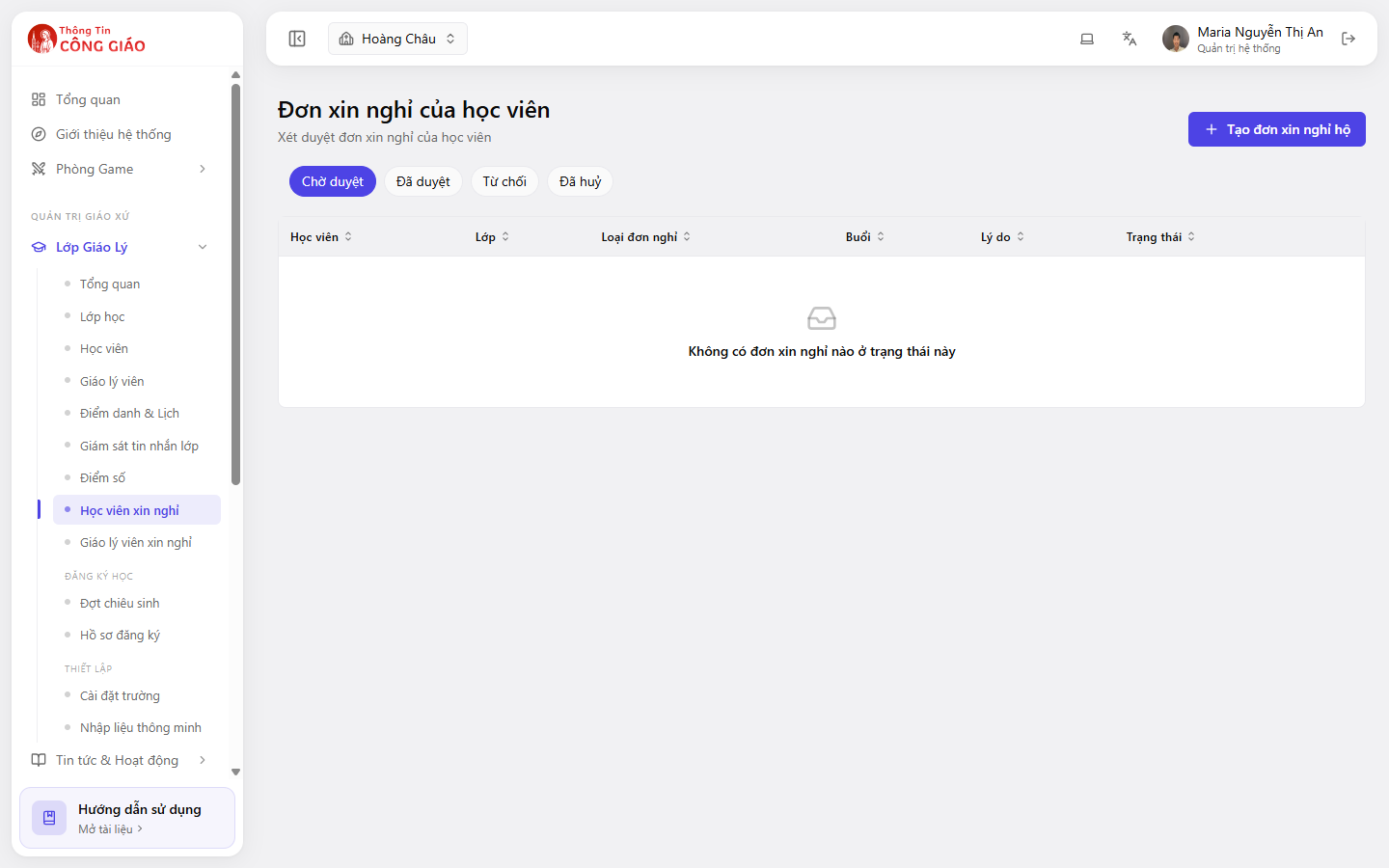
How often to work through them
While a request sits in Pending, whoever takes attendance does not know what to record. Check this section before each session, or once a week on a fixed day.
You are done when
- The Pending group has nothing older than a week
- Every child with an approved request is marked Excused on the matching session