Student leave requests
- Do it on
- Computer (Dashboard)
- Time needed
- 3 minutes
- Before you start
- Review rights for that class
- When you finish
- The request moves to Approved or Rejected
Open Student leave
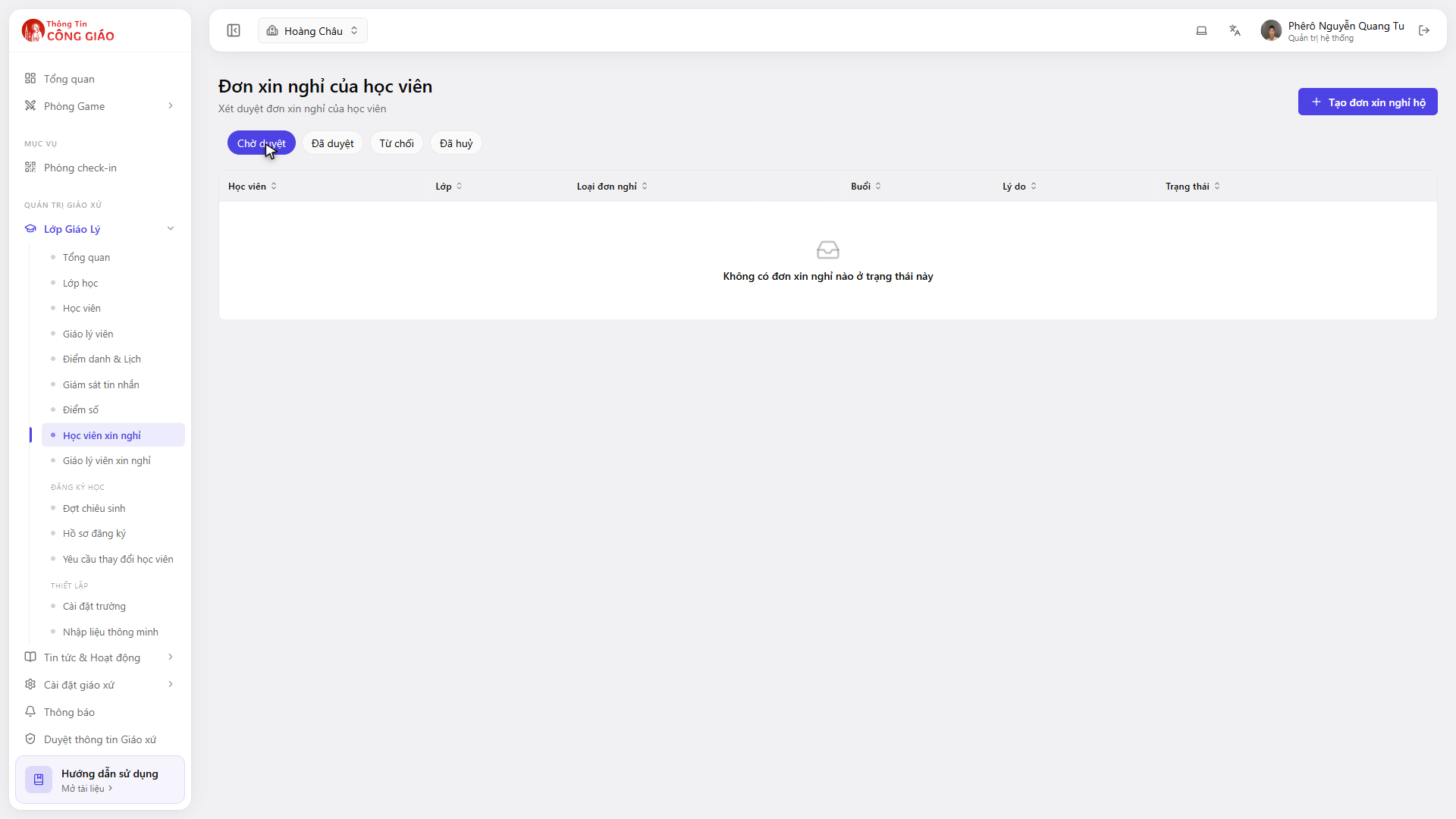
Go to Lớp Giáo Lý → Học viên xin nghỉ (Catechism Classes → Student leave). Four groups across the top: Pending, Approved, Rejected, Cancelled.
I am stuck on this step
An empty Pending group only means there are no new requests. Click Approved to see older ones.
Still not working? Message the support team and attach a screenshot of what you see.
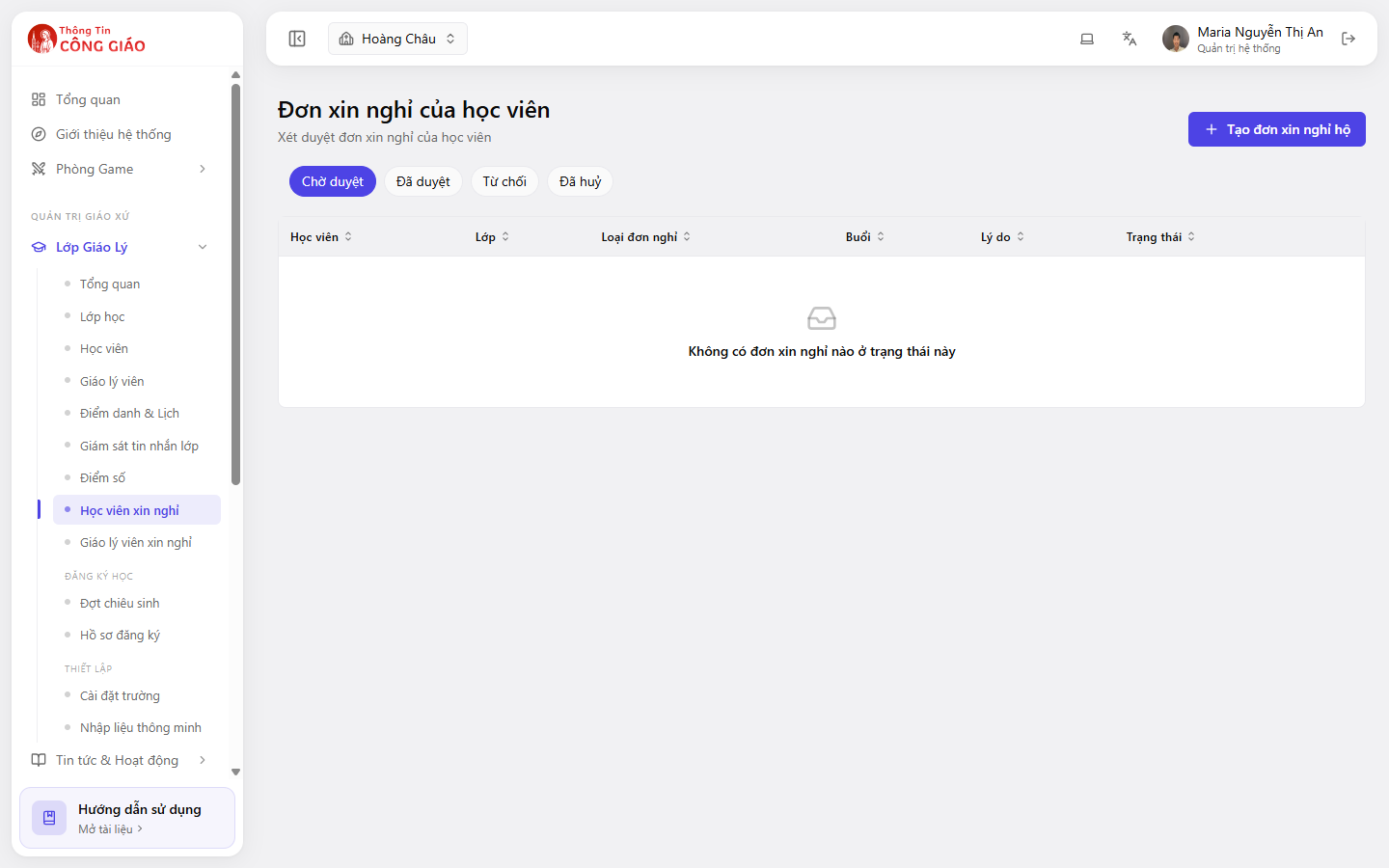
Read the requests in Pending
The Session column tells you which session they are missing — check it against the class schedule before approving.The table has these columns: Student, Class, Request type, Session, Reason, Status.
Approve or reject
Open the request and choose Approve or Reject. Give a reason when you reject, so the parent understands.
Mark that child Excused when you take attendance
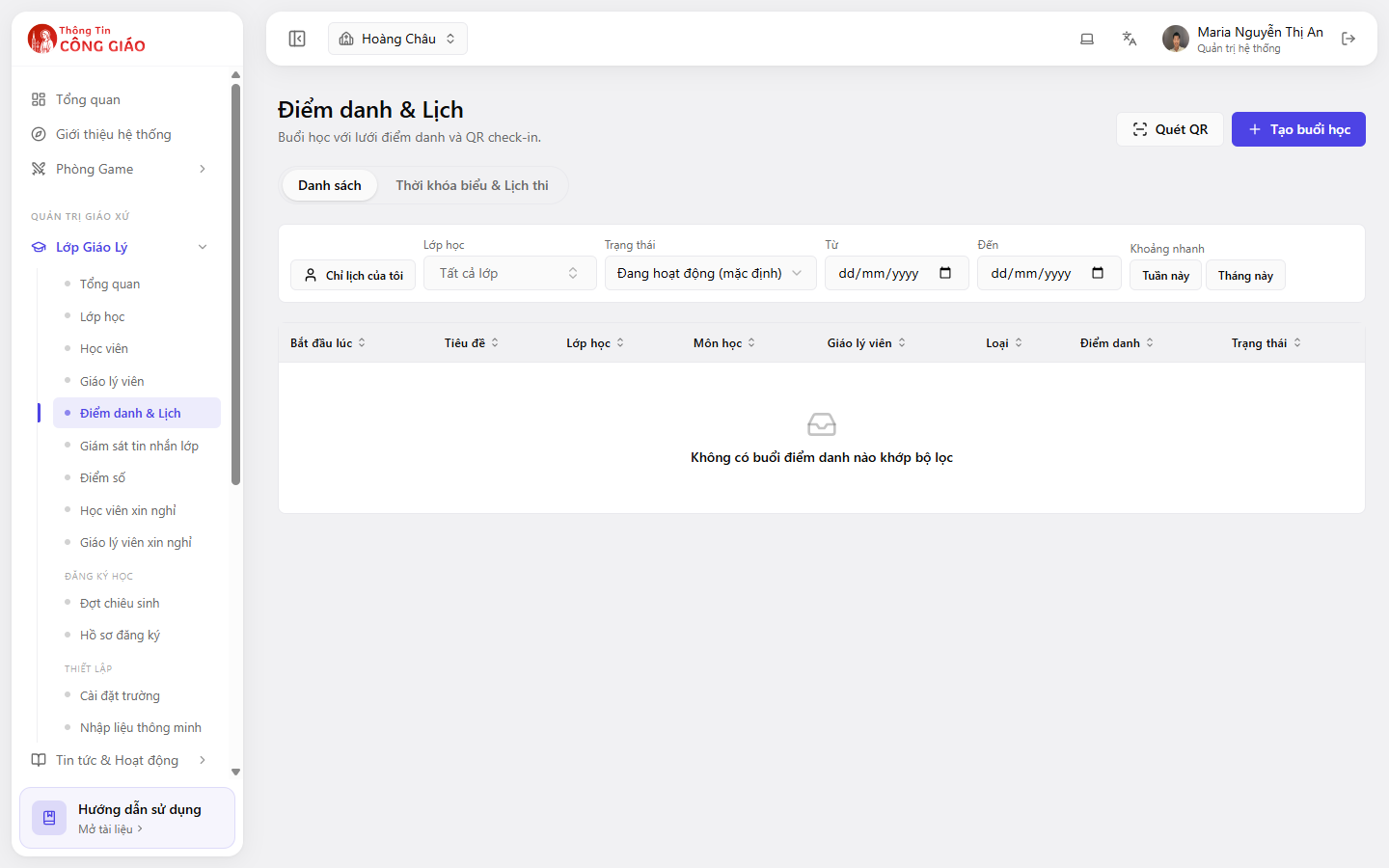
Open the session the child is missing and set their status to Excused. This part has to be done by hand.
I am stuck on this step
Cannot change the status? Either you are not a catechist of that class, or the session is closed.
Still not working? Message the support team and attach a screenshot of what you see.
Creating a request on a student's behalf
The + Tạo đơn xin nghỉ hộ (Create request on behalf) button top right is for when a parent phones or texts instead of creating the request in the app. Pick the child, pick the session, write the reason and submit.
You are done when
- The request has left the Pending group
- The matching session records Excused for that child
Something went wrong?
No leave requests in this status
That is just the message for an empty group. Click another group, e.g. Approved, to see older requests.
A parent says they submitted a request but I cannot see it
- Check the Cancelled group — they may have withdrawn it
- Check the child is in a class you look after; you only see your own classes' requests
- A request made in the app may belong to a different parish if the family follows several
I approved the wrong request, can I undo it
Reopen the request and change the status. If you already took attendance for that session, remember to correct the attendance status too.