Catechist leave requests
- Do it on
- Computer (Dashboard)
- Time needed
- 3 minutes
- Before you start
- Administrator or Coordinator rights to approve
- When you finish
- The class has cover for the right session
Open Catechist leave
Go to Lớp Giáo Lý → Giáo lý viên xin nghỉ (Catechism Classes → Catechist leave). Filtering by status works exactly like student requests.
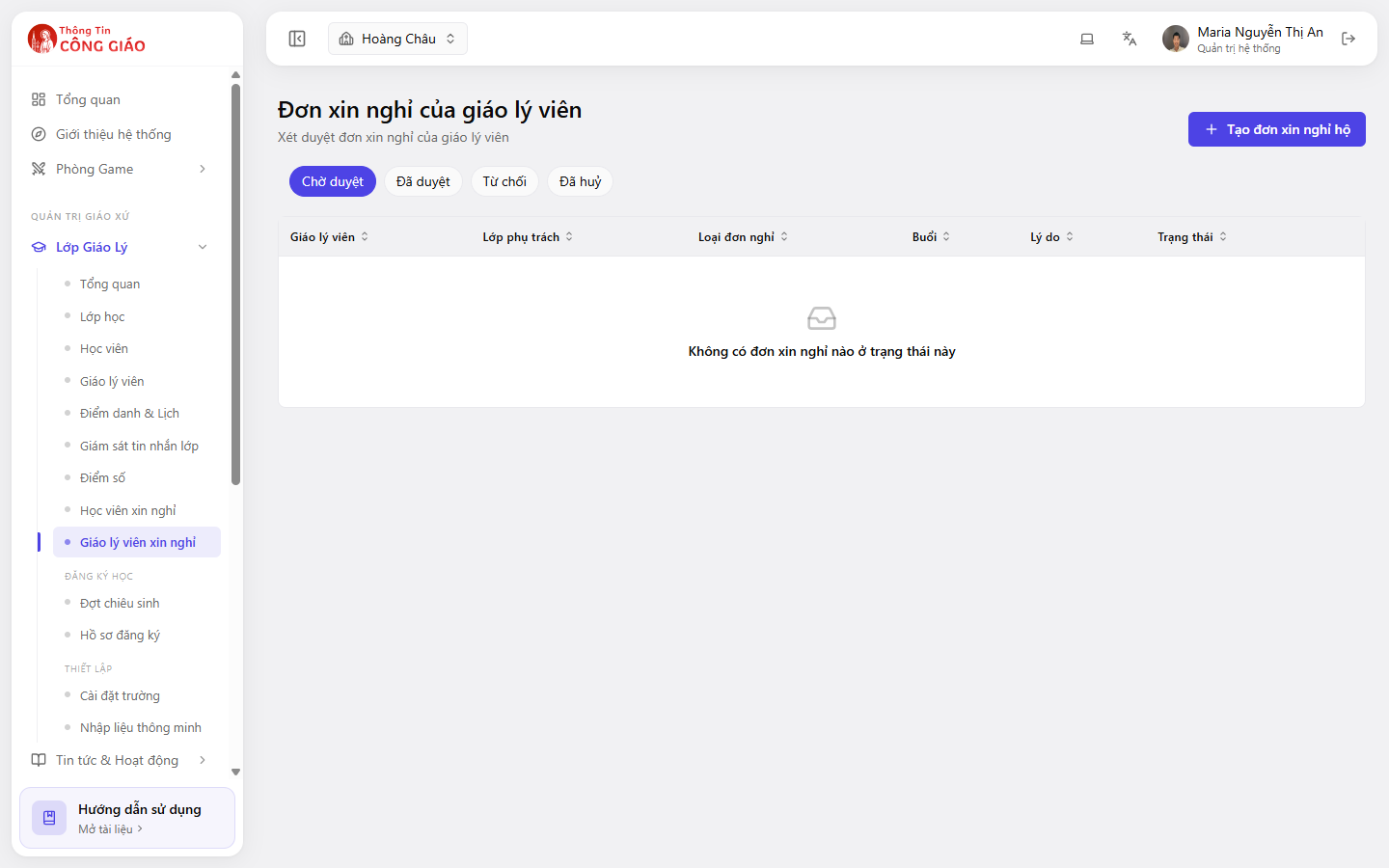
Create a request for yourself or someone else
State the session or the date range and the reason. For several sessions in a row, write one request covering the whole period rather than one per session.
Approve it and arrange cover
Approving a request does not find cover for you. Someone else has to be assigned to the class for that session.Once approved, check whether anyone else can take attendance for that class. If not, assign another catechist to the class — see Catechists in a class.
I am stuck on this step
The system does not find cover for you. If nobody is left to take attendance, assign another catechist to the class.
Still not working? Message the support team and attach a screenshot of what you see.
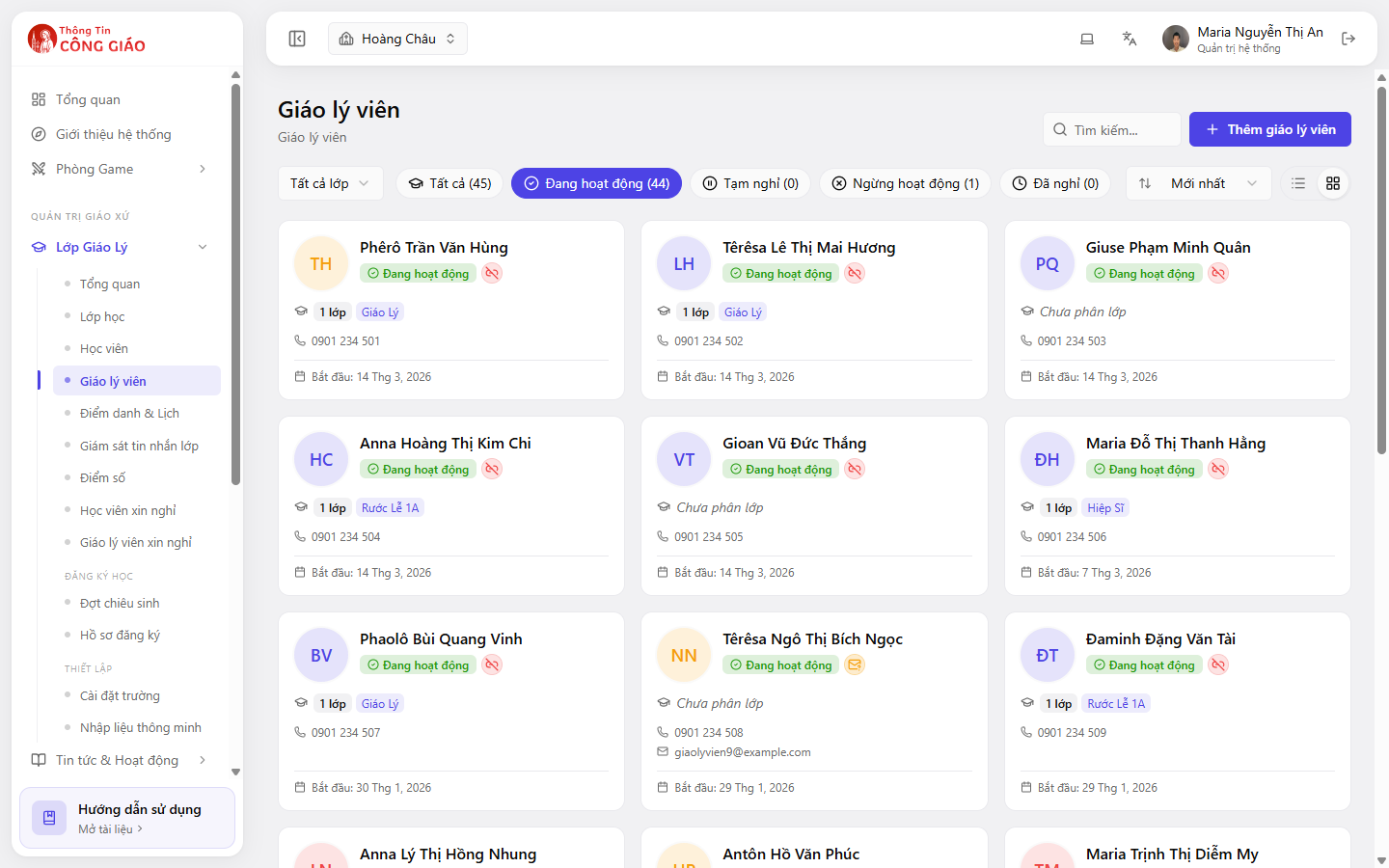
For a long absence, change the status instead
A few sessions off is what leave requests are for. A long absence (studying away, maternity, moving parish) is better handled by setting that person to On break in the catechist list, so the class gets someone else from the start.
You are done when
- The request is approved or rejected
- Sessions during the absence still have someone to take attendance
Something went wrong?
I approved the request but nobody can take attendance for the class
The system does not arrange cover. Assign another catechist to that class, or have the catechism board take attendance for that session.
A catechist cannot create a request
They have not been granted Dashboard sign-in rights. Either the board creates it for them, or grant rights under Cài đặt giáo xứ → Nhân sự (Parish settings → Staff).