Write a quiz question set
- Do it on
- Computer (Dashboard)
- Time needed
- 10 minutes for 10 questions
- Before you start
- A parish Dashboard account
- When you finish
- A question set ready for a room
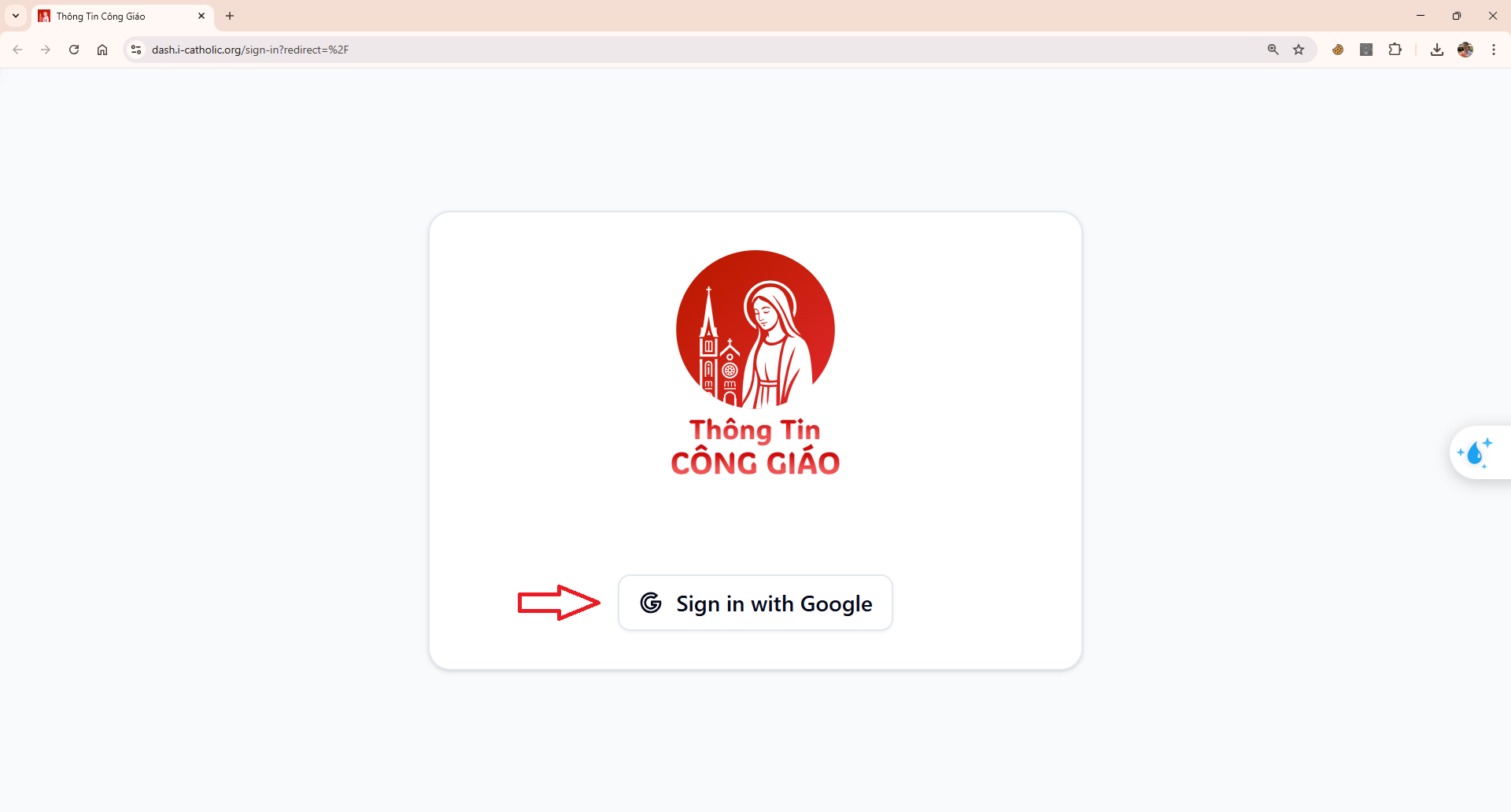
Sign in to the Dashboard
Open dash.i-catholic.org and choose Continue with Google.
I am stuck on this step
Sign in with the exact Google account the parish granted rights to. With several accounts on the machine, switch to the right one.
Still not working? Message the support team and attach a screenshot of what you see.
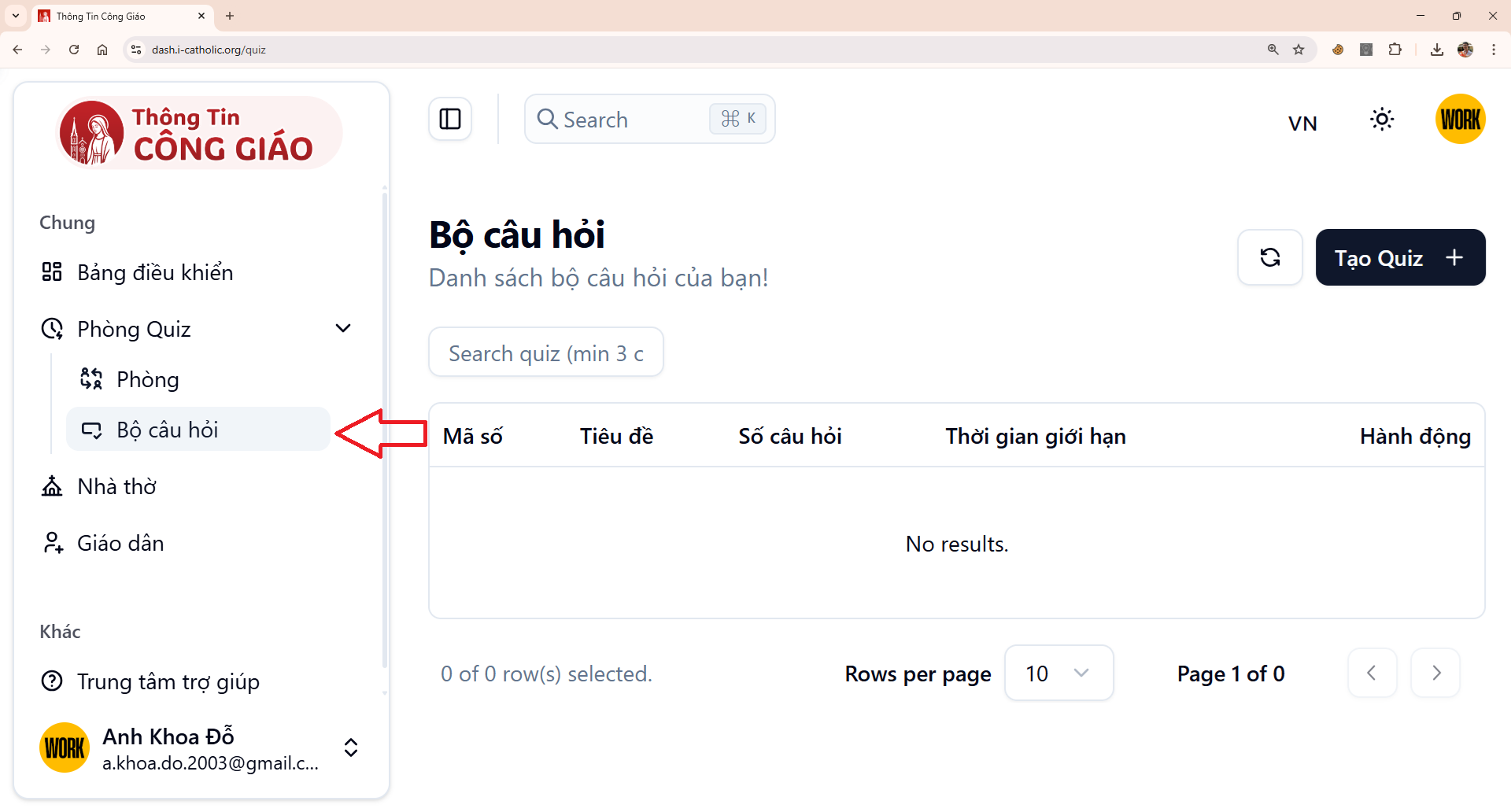
Go to Game Rooms → Question sets
In the left menu, click Phòng Game (Game Rooms), then Bộ câu hỏi (Question sets).
I am stuck on this step
No Game Rooms menu means your account has no role at the parish yet. Ask an Administrator to check the Staff section.
Still not working? Message the support team and attach a screenshot of what you see.
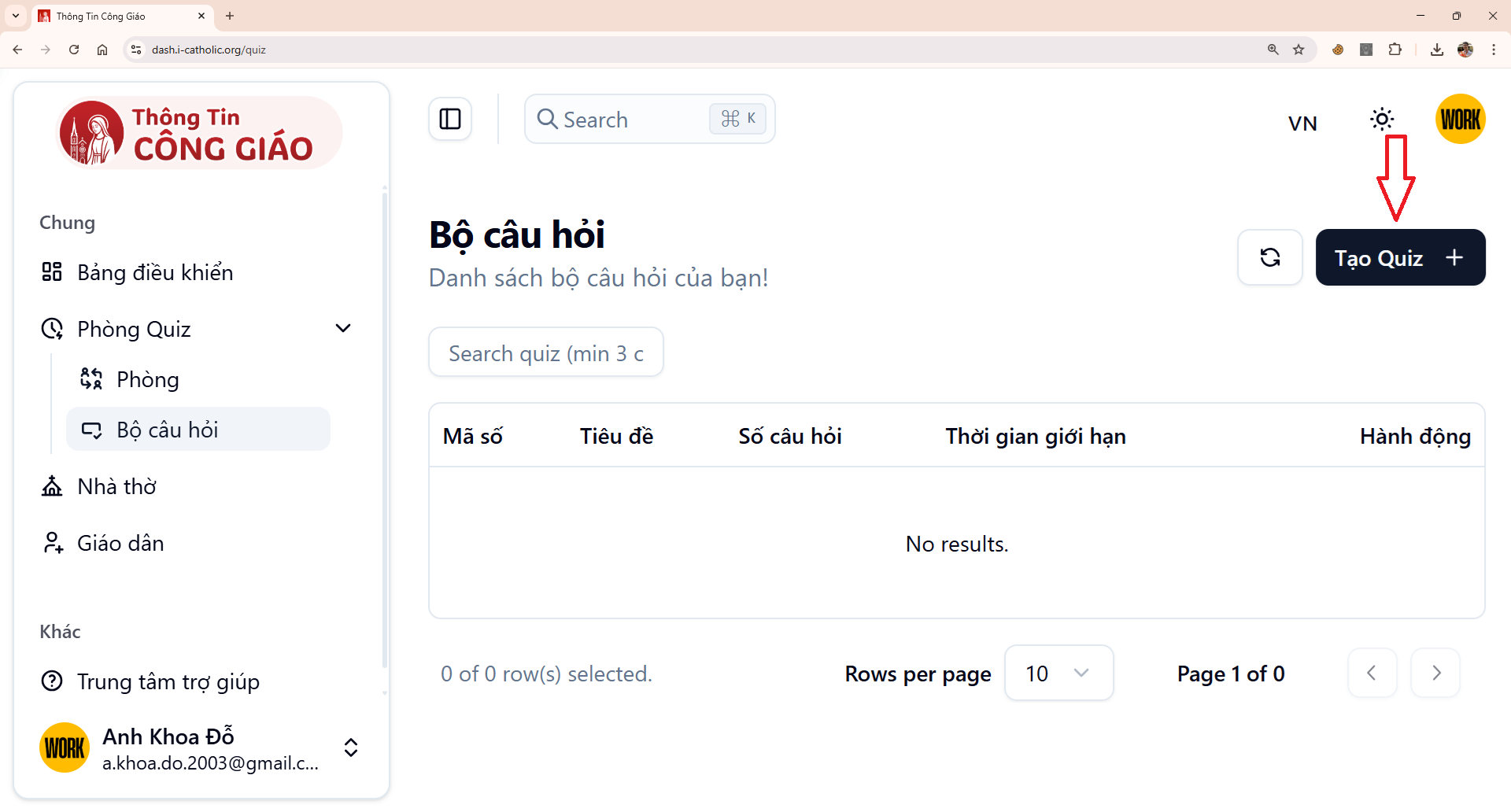
Click Create
The create button is at the top right of the list.
I am stuck on this step
A greyed-out or missing button means your role cannot create. Ask an Administrator or Coordinator to do it for you.
Still not working? Message the support team and attach a screenshot of what you see.
Fill in the title and time per question
- Title — name it after the lesson, e.g. The Parable of the Prodigal Son
- Time limit — seconds allowed per question; 15–20 works well for short questions
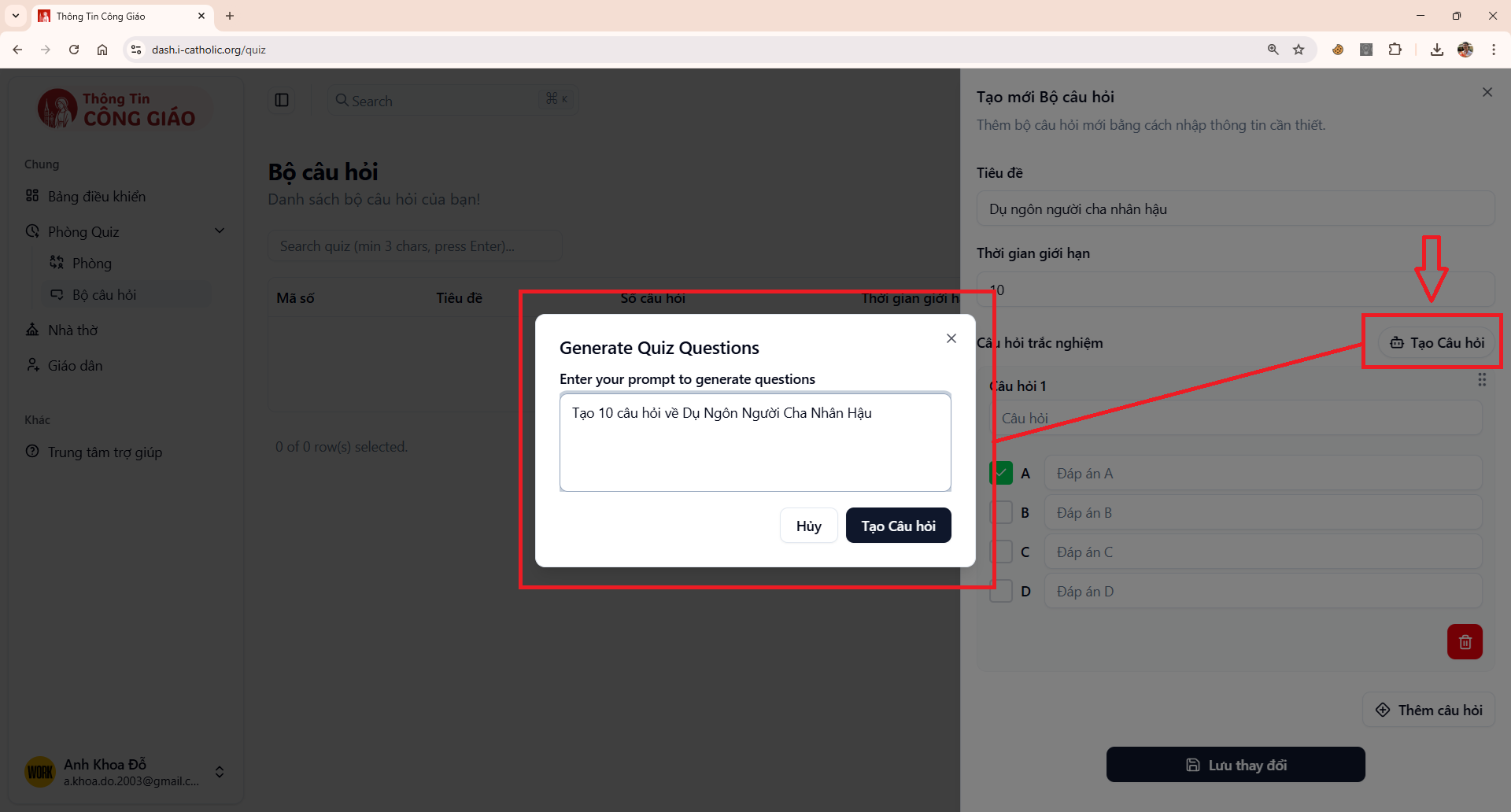
Write the questions, or let AI suggest them
Always read AI-written questions one by one. AI can get Scripture or catechism details wrong.Two ways:
- By hand — write the question, four answers, then mark the correct one
- With AI — click Tạo câu hỏi (Generate questions), describe the topic (for example “10 questions on the Parable of the Prodigal Son”), and the system produces a list with answers
Save your changes
Click Lưu thay đổi (Save changes). The set appears in the list and can be used for a new room.
You are done when
- The set appears in the Question sets list
- Every question has exactly one answer marked correct
Writing questions that play well
- Keep questions short and about one idea — they must be readable on a small phone screen
- Make the four answers similar in length; do not let the correct one be obviously longer
- Mix up which answer is correct, do not always use the first one
- For younger children, avoid negative questions (“which one is not true”)
Something went wrong?
AI produced a question that is doctrinally wrong
Fix or delete it before saving. Naming your source in the prompt — for example “based on Luke chapter 15” — keeps questions closer to the lesson.
I cannot see the Question sets menu
Your account has not been granted permissions at any parish. See Register as a parish administrator.
Can I edit a set while a room is playing?
Better not. Finish editing before opening the room, because players already in the room will still get the old questions.