Create a term
- Do it on
- Computer (Dashboard)
- Time needed
- 2 minutes
- Before you start
- A school year already created
- When you finish
- You can grade per term
Terms only matter if your parish grades. In Simple mode (attendance only) you can skip this.
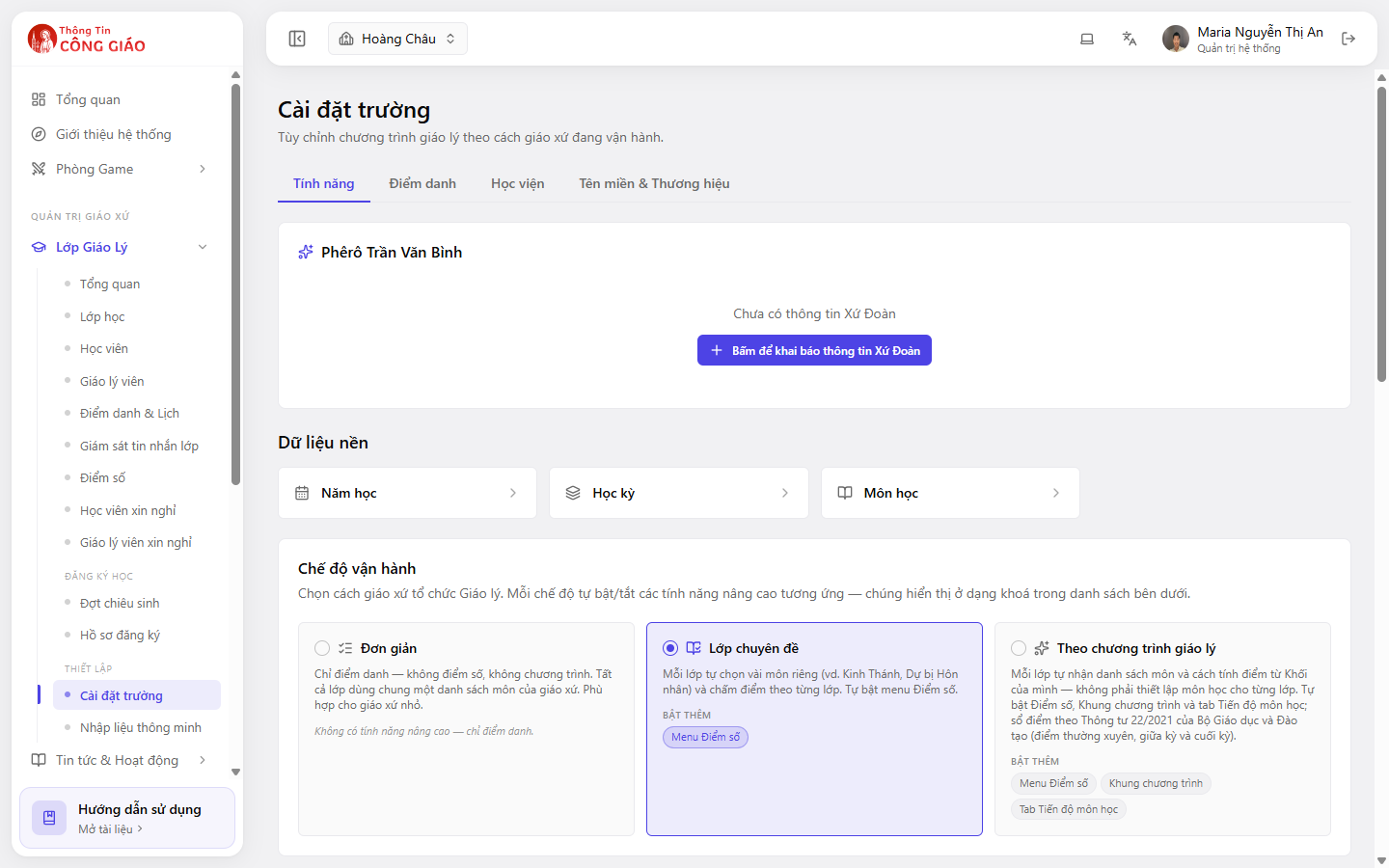
Go to School settings → Reference data → Term
Go to Lớp Giáo Lý → Cài đặt trường (Catechism Classes → School settings), find the Dữ liệu nền (Reference data) block and click the Học kỳ (Term) box.
I am stuck on this step
Cannot create a term? Check a school year exists first — a term always belongs to one.
Still not working? Message the support team and attach a screenshot of what you see.
Pick the school year, then create the terms
Choose the year, then create each term: its name (e.g. Term I), a start date and an end date.
Check it under Grades
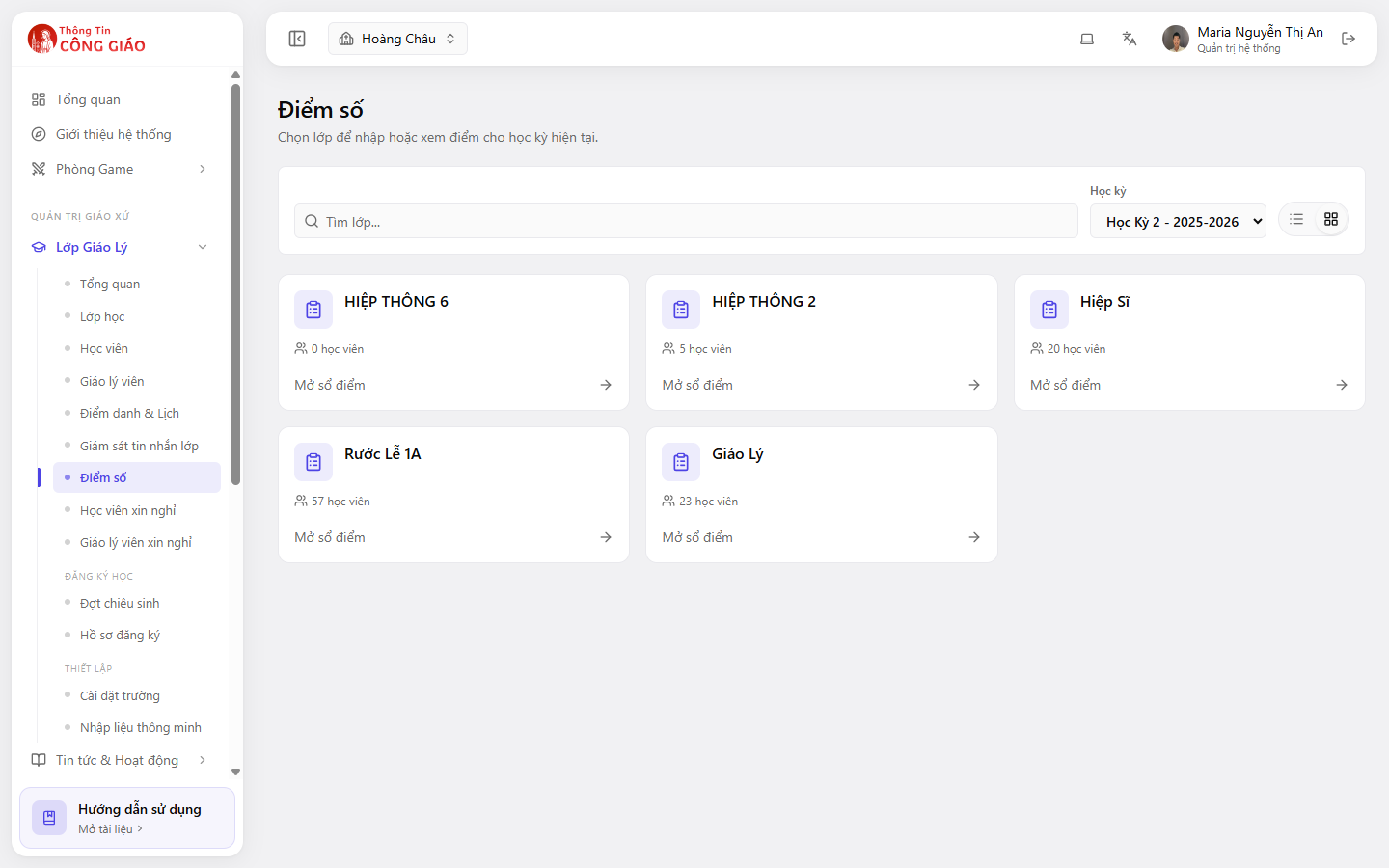
Grades always belong to a term. With no term, the grade fields stay locked.Open Điểm số (Grades) and check the term picker shows the term you just made.
You are done when
- All the year's terms appear in the list
- The term dates do not overlap each other
Something went wrong?
I cannot create a term
Either there is no school year yet, or you do not have Administrator rights. Create the school year first.
How many terms should a year have
Whatever your parish already does. Two is the common choice. More terms simply means grading more often.