Open class management
- Do it on
- Computer (Dashboard)
- Time needed
- 1 minute
- Before you start
- An account granted a role at the parish
- When you finish
- You can see the Catechism Classes menu
What you need before it shows up
Your account has to be granted a role at a parish — Administrator, Coordinator or Catechist. Without a role the Lớp Giáo Lý (Catechism Classes) menu does not appear, or opening it says you have no access.
Sign out and sign back in. New rights only take effect once the session is reloaded.
Open dash.i-catholic.org and sign in
Sign in with Google. Once you are in, you land on the system Overview page.
I am stuck on this step
Sign in with the exact Google account the parish granted rights to, not another personal account.
Still not working? Message the support team and attach a screenshot of what you see.
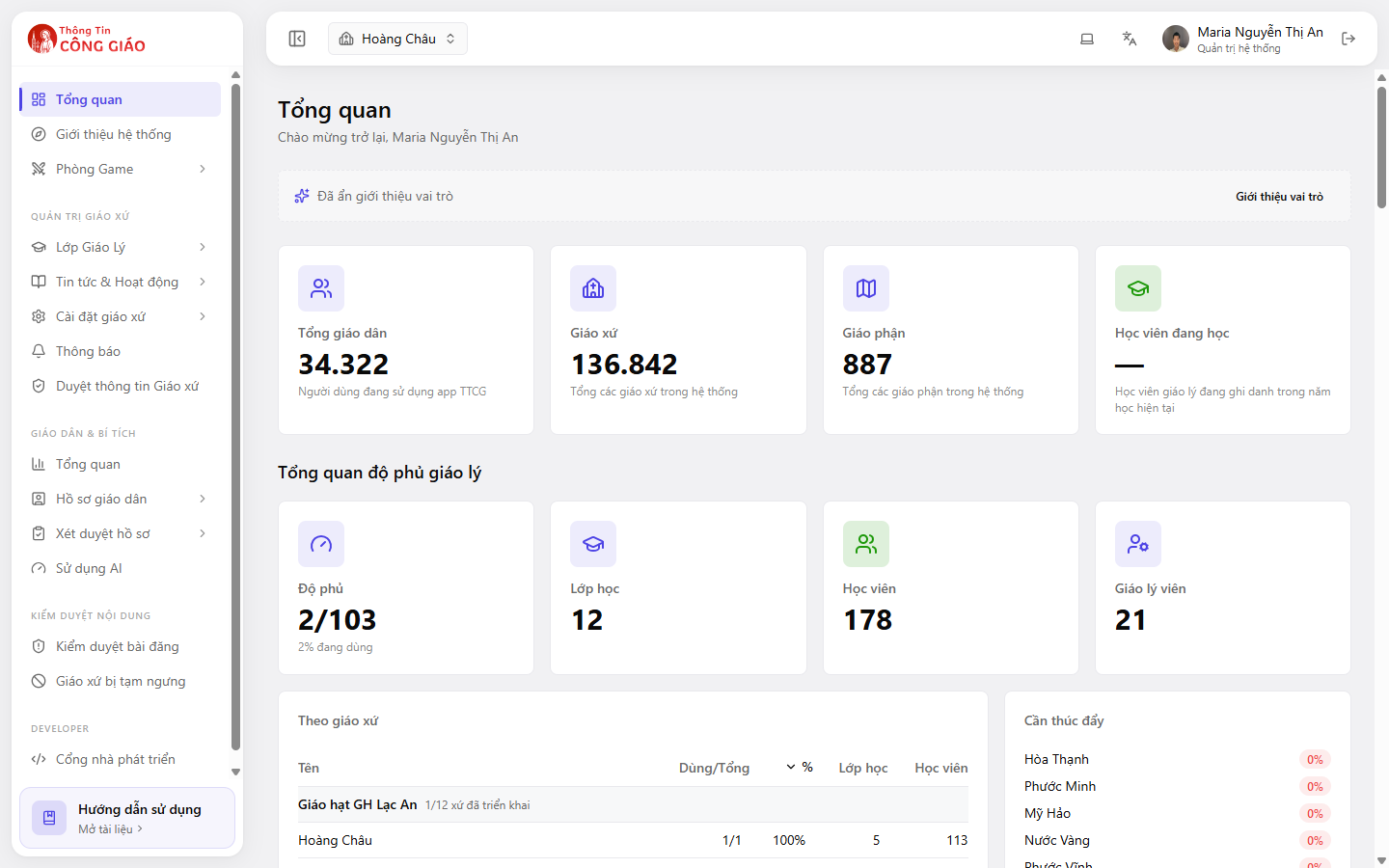
Check the parish name in the top bar
Working in the wrong parish is the most common mistake. Read the parish name before you create or change anything.The parish name sits top left, next to the house icon. Click it to switch parishes if you look after more than one.
I am stuck on this step
If you cannot switch parishes, your account only has rights at one. Ask the parish administrator to check the Staff section.
Still not working? Message the support team and attach a screenshot of what you see.
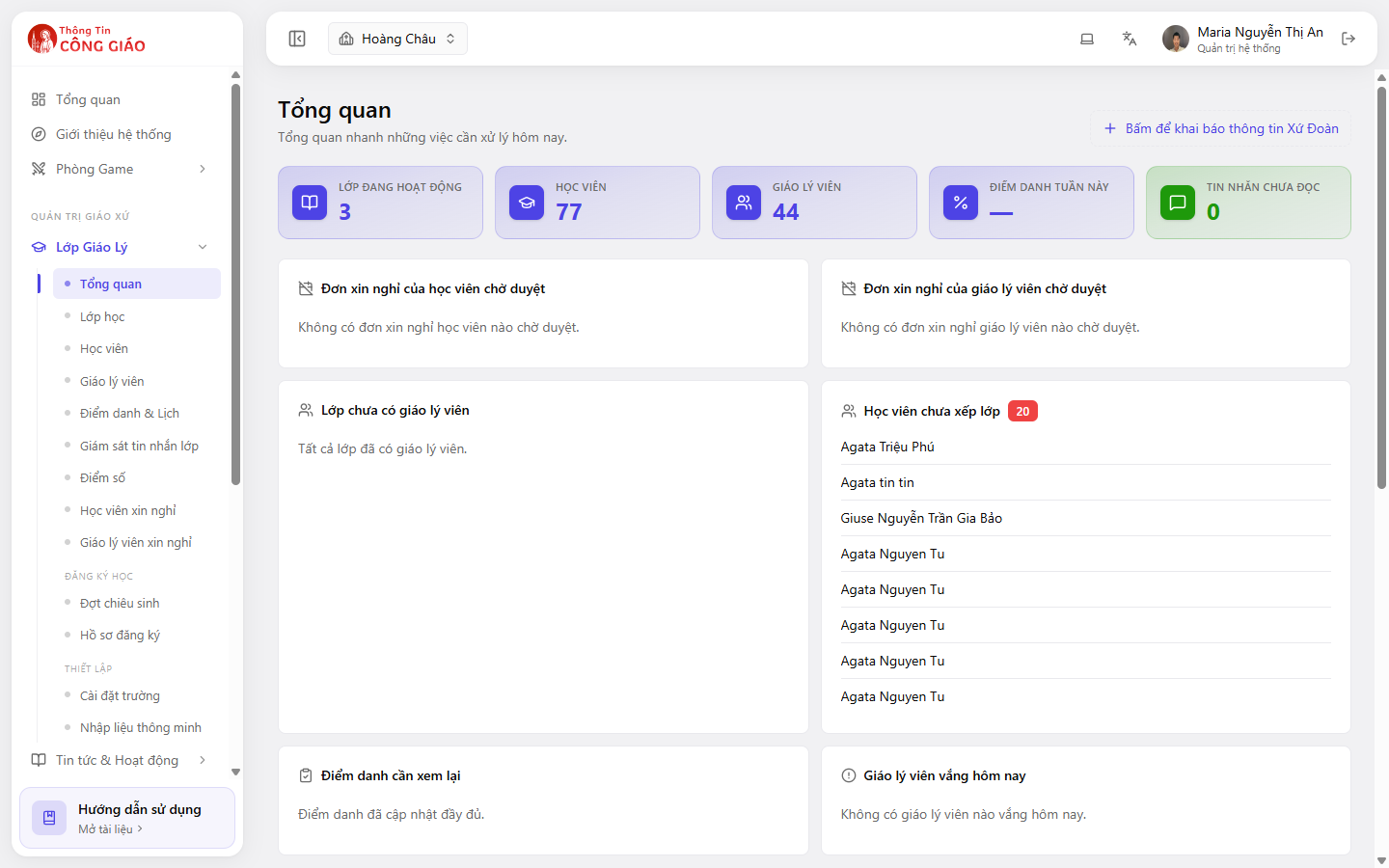
Open the Catechism Classes menu
In the left menu, click Lớp Giáo Lý (Catechism Classes) to expand it: Overview, Classes, Students, Catechists, Attendance & Schedule, Grades and more.
I am stuck on this step
No menu means your account has no role yet, or was just granted one and you have not signed in again.
Still not working? Message the support team and attach a screenshot of what you see.
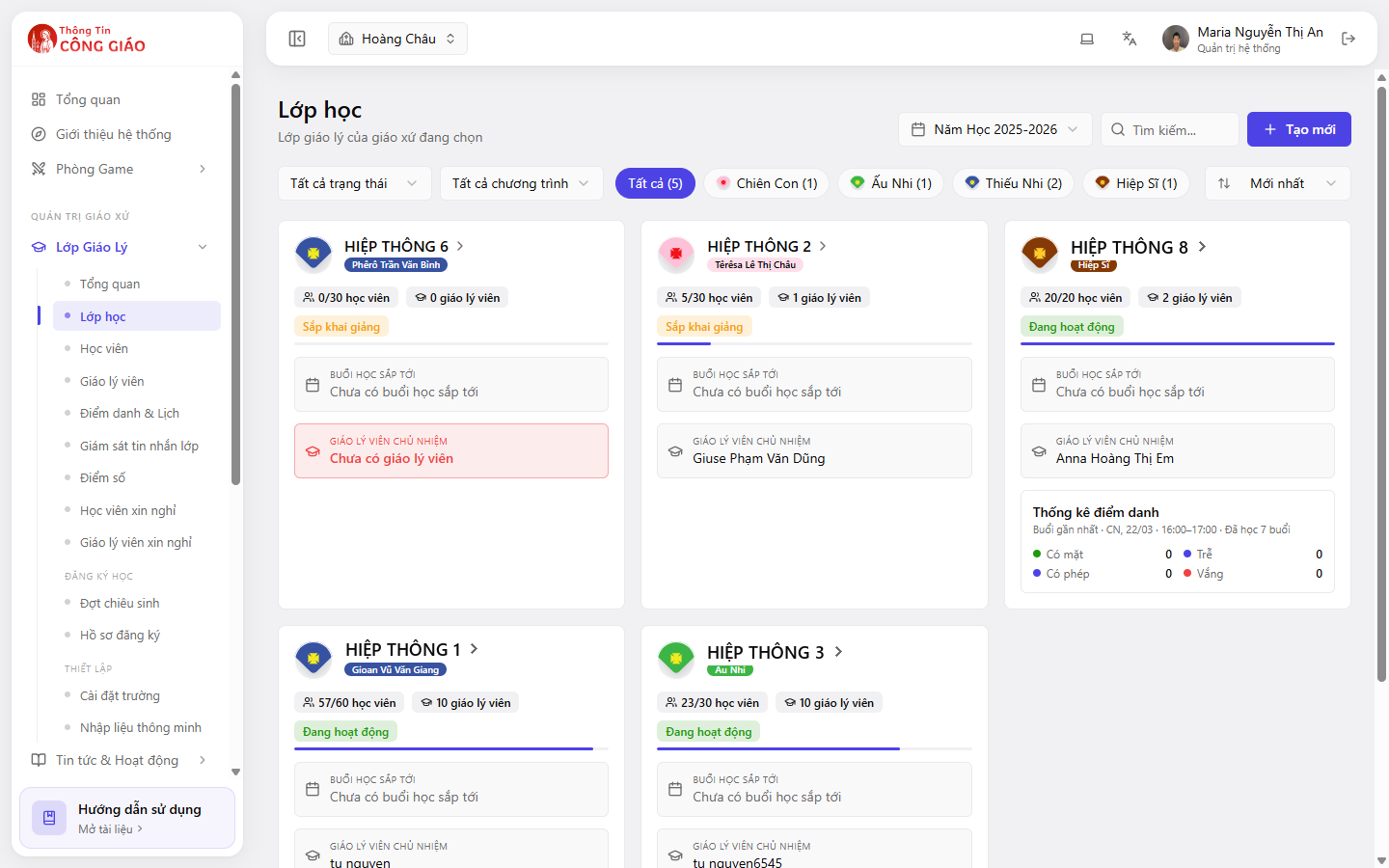
You are done when
- The top bar shows the parish you are responsible for
- The Lớp Giáo Lý menu expands and Lớp học (Classes) is clickable
Can I do this on a phone?
Yes, but with fewer options. In the Thông Tin Công Giáo app, go to Menu → Quản lý trường học (School Manager) to view classes, take attendance and handle leave requests. Anything with a lot of typing is better on a computer.
Something went wrong?
I cannot see the Catechism Classes menu
- Your account has no role at this parish yet — ask the parish administrator to check Nhân sự (Staff)
- You are in the wrong parish: click the parish name in the top bar to switch
I get in but it says I have no permission
Your role is not allowed to open that section. A Catechist, for example, usually cannot open Cài đặt trường (School settings).