Install the app on your phone
- Do it on
- Android phone or iPhone
- Time needed
- 2 minutes
- Before you start
- A Google or Apple account to download apps
- When you finish
- The app opens and you are signed in
On Android
Open Google Play and search for the app
The right app is called “Thông Tin Công Giáo” and has a round red icon.Open Google Play and search for Thông Tin Công Giáo.
I am stuck on this step
Type it without accents: “thong tin cong giao”. Still nothing? Use the direct link just below this section.
Still not working? Message the support team and attach a screenshot of what you see.
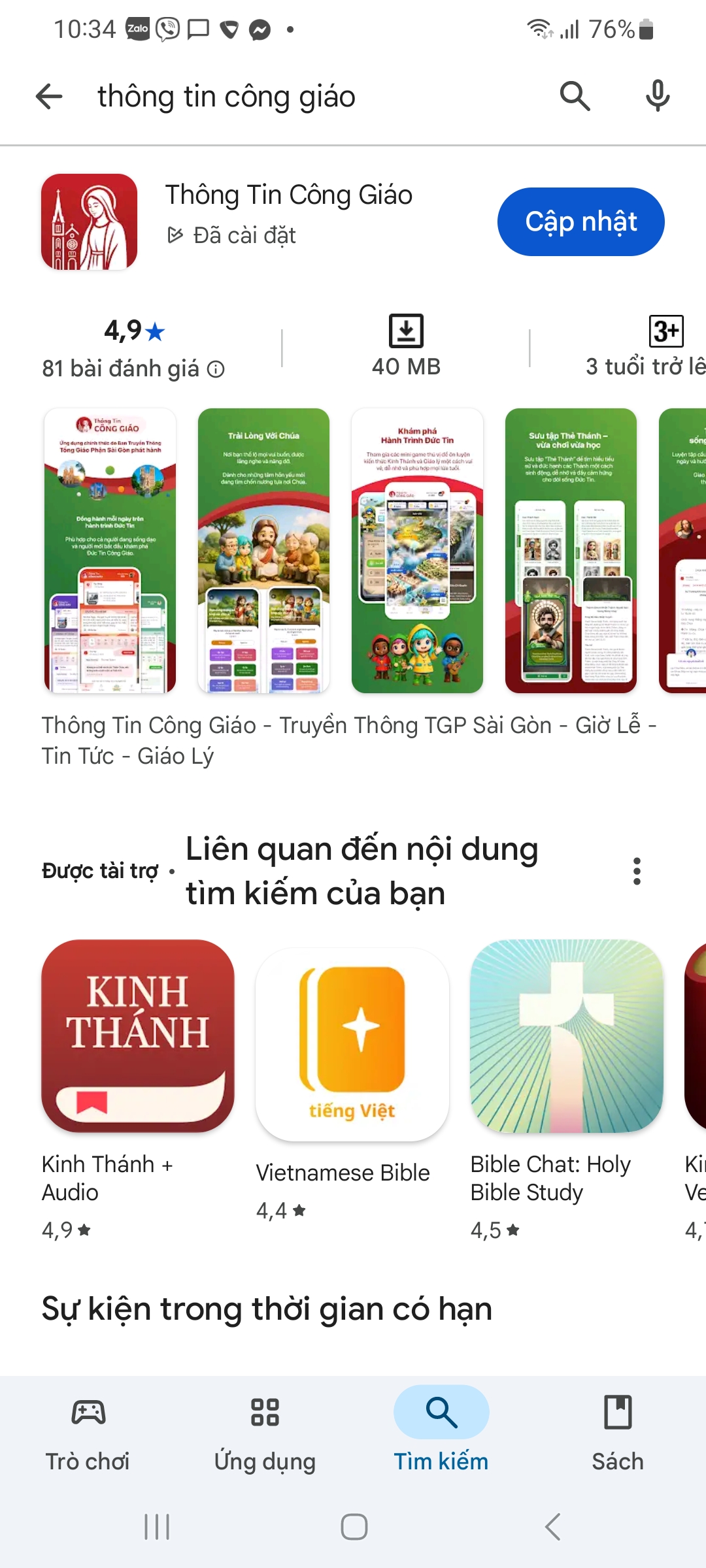
Google Play · Tap the image to see it larger Tap Install and wait
The app is small — usually under a minute on Wi-Fi.
Open the app and sign in with Google
Pick the Google account you use every day. You need to be signed in to earn Light Points and to see catechism classes.
Direct link: open on Google Play
On iPhone or iPad
Open the App Store and search for the app
Open the App Store and search for Thông Tin Công Giáo.
I am stuck on this step
Type it without accents: “thong tin cong giao”. Still nothing? Use the direct link just below this section.
Still not working? Message the support team and attach a screenshot of what you see.
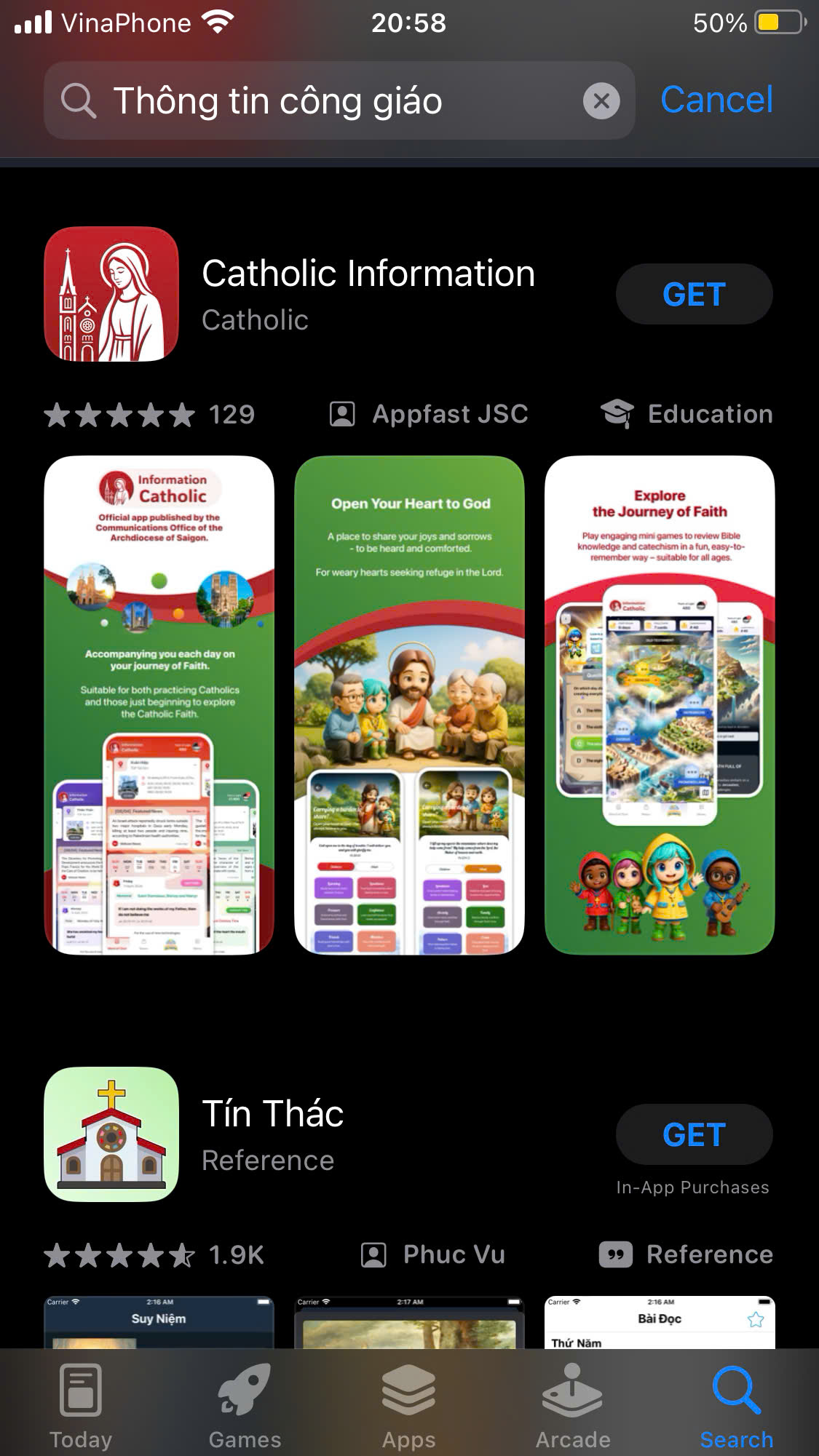
App Store · Tap the image to see it larger Tap Get and confirm
Confirm with Face ID, Touch ID or your Apple ID password.
Open the app and sign in with Google
Same as on Android.
Direct link: open on the App Store
You are done when
- The app opens and shows the home screen
- Your name appears in the account section, which means you are signed in
Do these three things right after installing
- Follow your parish — so you see its mass times and news
- Tap Check in in the Light Points section
- Choose your patron saint in your profile
See New to the app? Start here.
Something went wrong?
I cannot find the app in the store
Search without diacritics: thong tin cong giao. Or use the two direct links above.
My phone says the app is not compatible
The app needs a supported version of Android or iOS. On a very old phone it may not install — use another device, or read the news on i-catholic.org instead.
Signing in with Google fails
Check your connection and try again. If your phone has several Google accounts, pick the one your parish granted permissions to (if you are a catechist or administrator).