Contact support
Done when: your message has been sent to the i-Catholic team.
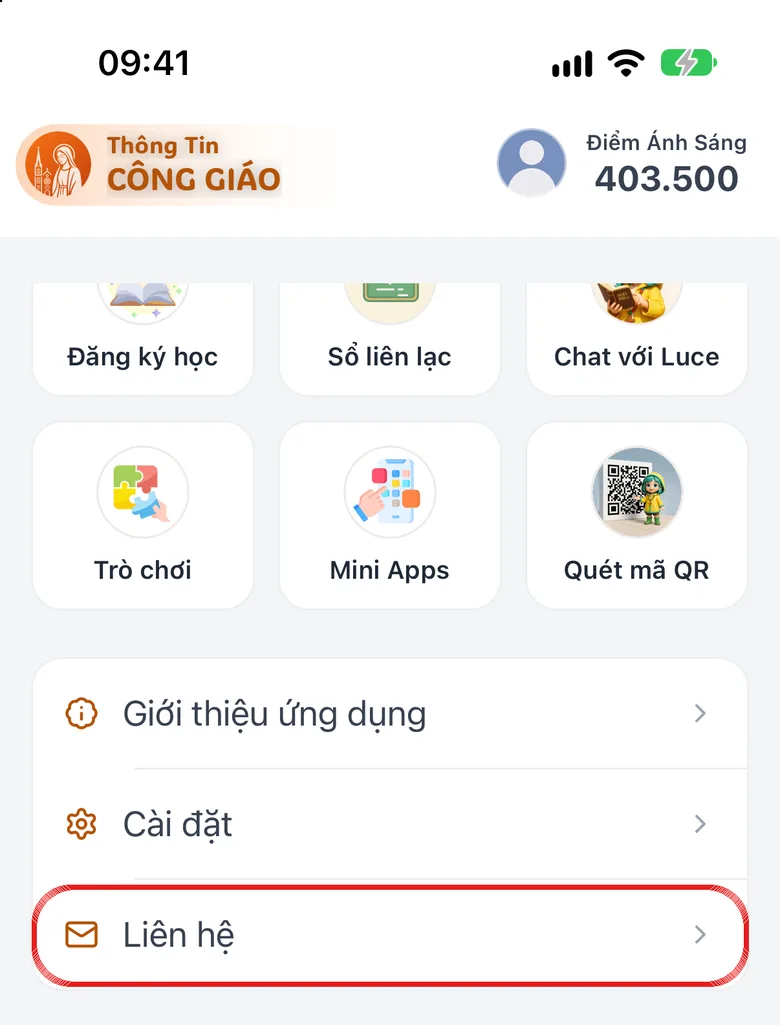
Open «Contact» in «Menu»
Tap the Menu tab, scroll to the bottom and tap Contact.
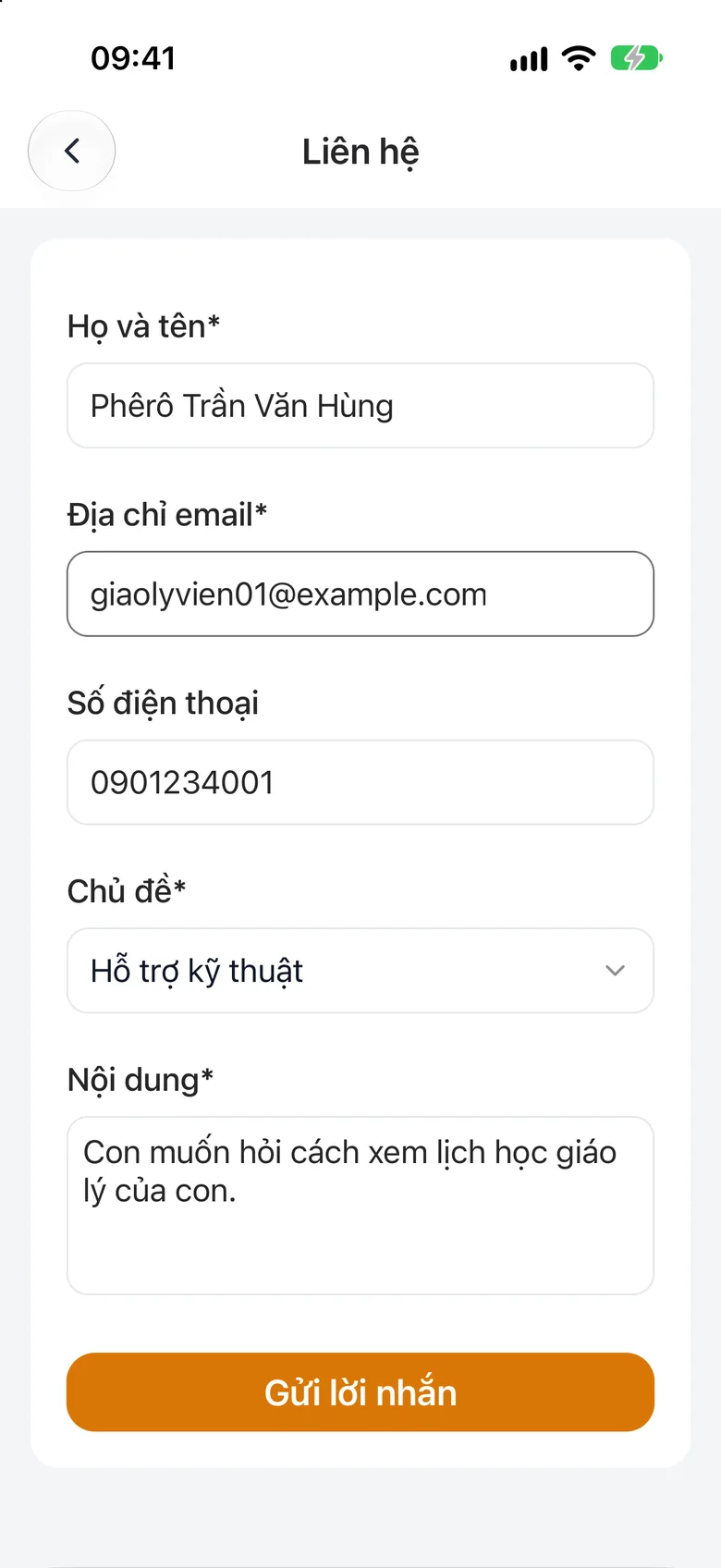
Tap the image to see it larger Choose a topic and fill in the form
Choose a topic (for example Technical Support, Feedback, Cooperation), then fill in Your Name, Email Address, Phone Number and Message.
Tap the image to see it larger Tap «Send»
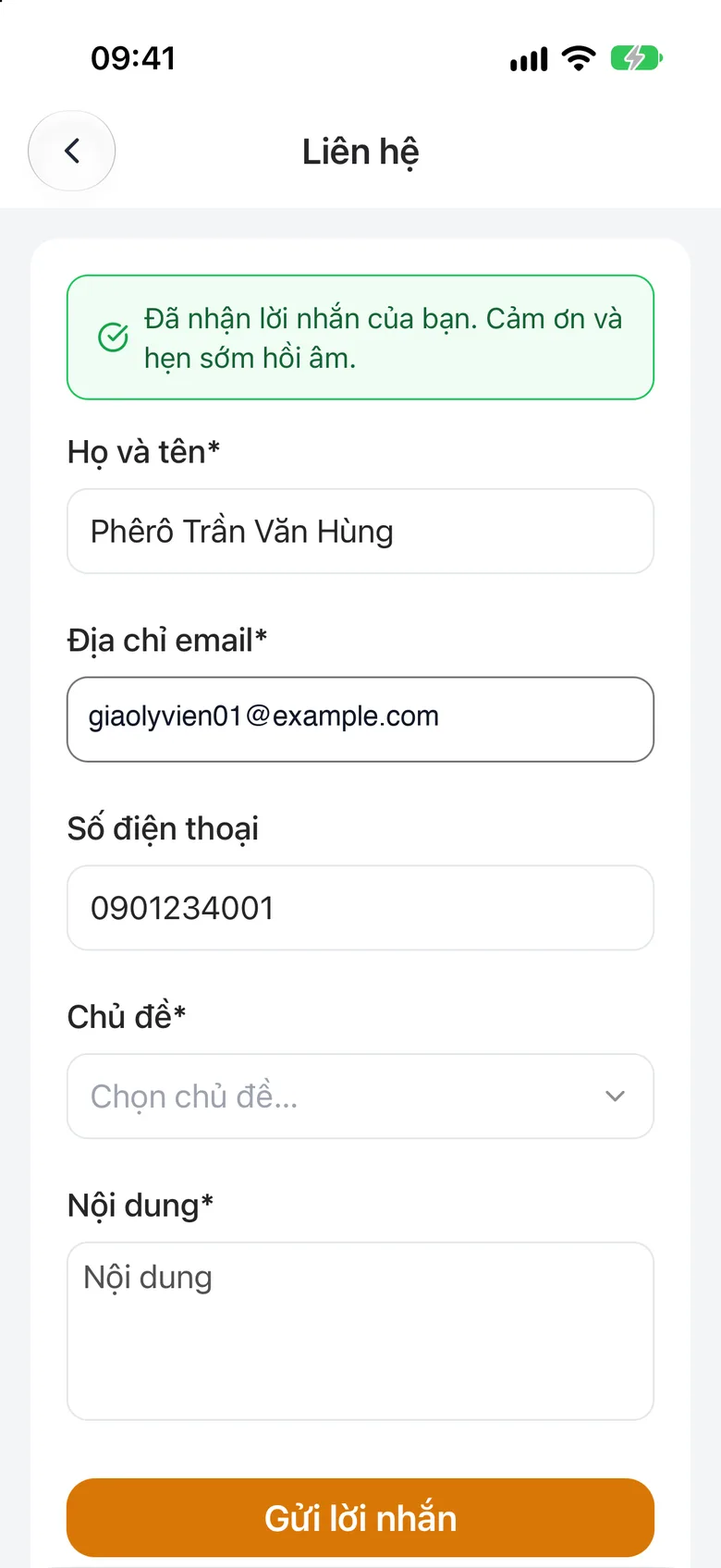
Tap Send. Seeing «Your message has been received. Thank you, we will reply soon.» means it has gone.
Tap the image to see it larger
Say clearly: the parish name (if relevant), which screen you were on, what you were doing when the problem happened, your device (iPhone, Android or computer) and the email of the account you sign in with. One sentence for what you wanted to do and one for what happened is enough.
The admin site has no contact page. Use Contact on the phone, or email support@i-catholic.org.
Something went wrong?
It says sending failed
Try again in a few minutes. If it still fails, email support@i-catholic.org.
My request for a management role has been waiting a long time
Usually the parish has nobody on the system to approve it. See I cannot find an item, section «Request a role from the phone».