Chat with Luce
Who can do thisEvery signed-in account.Phone~2 min
Done when: you get an answer to your question.
Open «Chat with Luce» in «Menu»
Tap the Menu tab, then Chat with Luce.
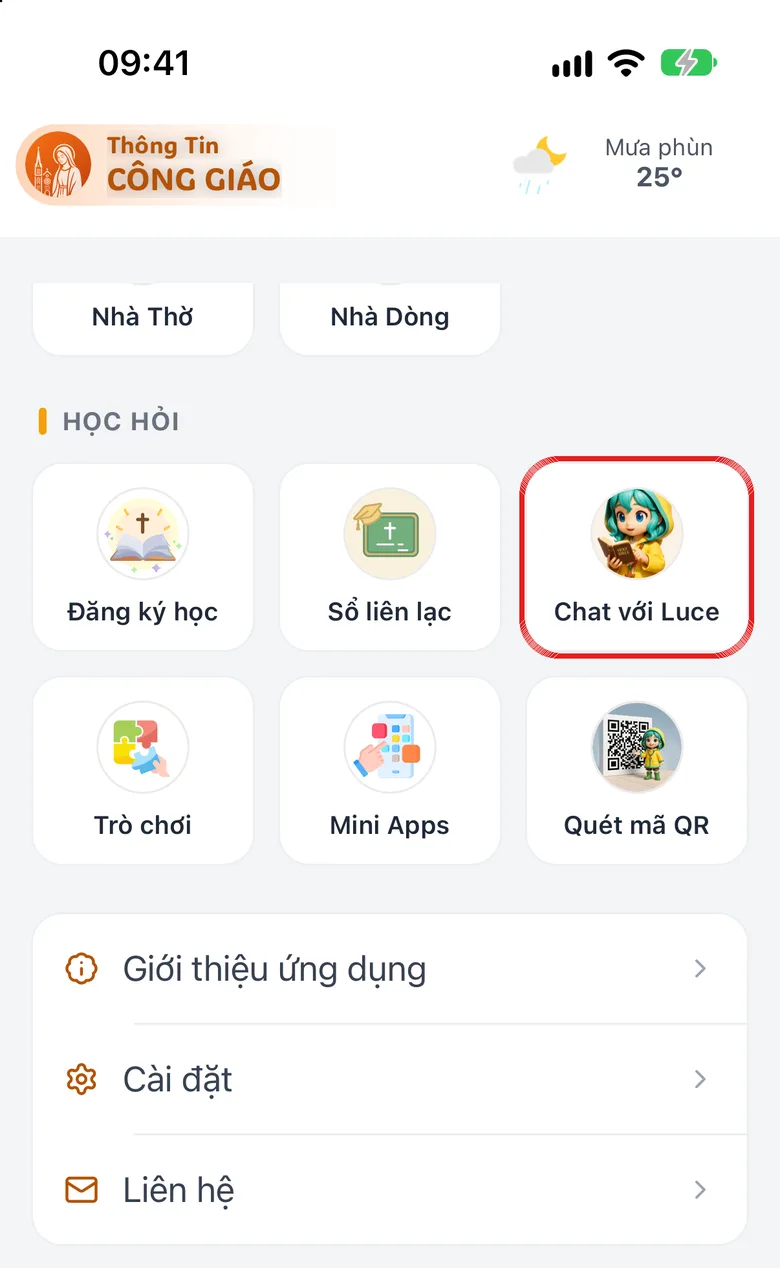
Tap the image to see it larger Type a question
Type a question: Mass times, the Word of God, catechism, or how to use the app. For example «Mass times of Tân Định church».
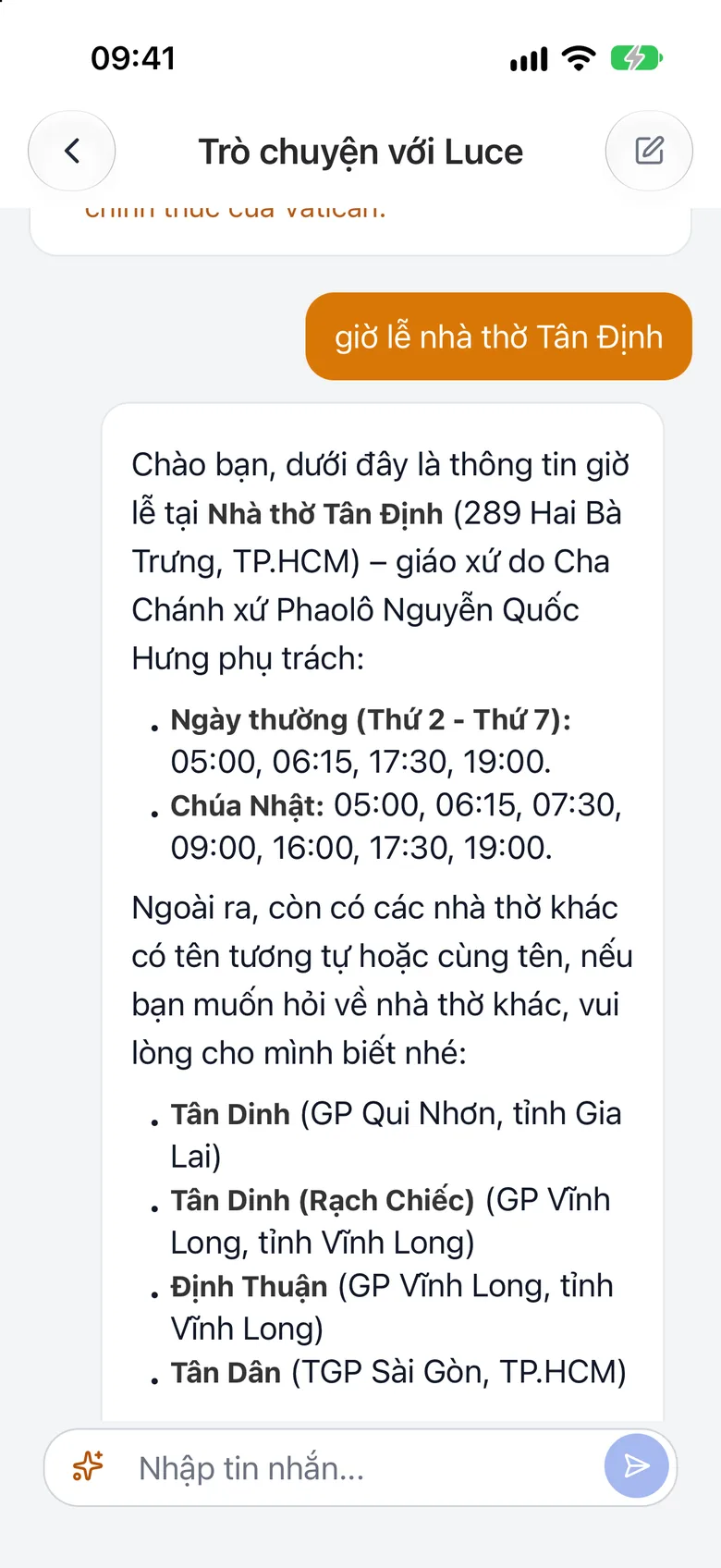
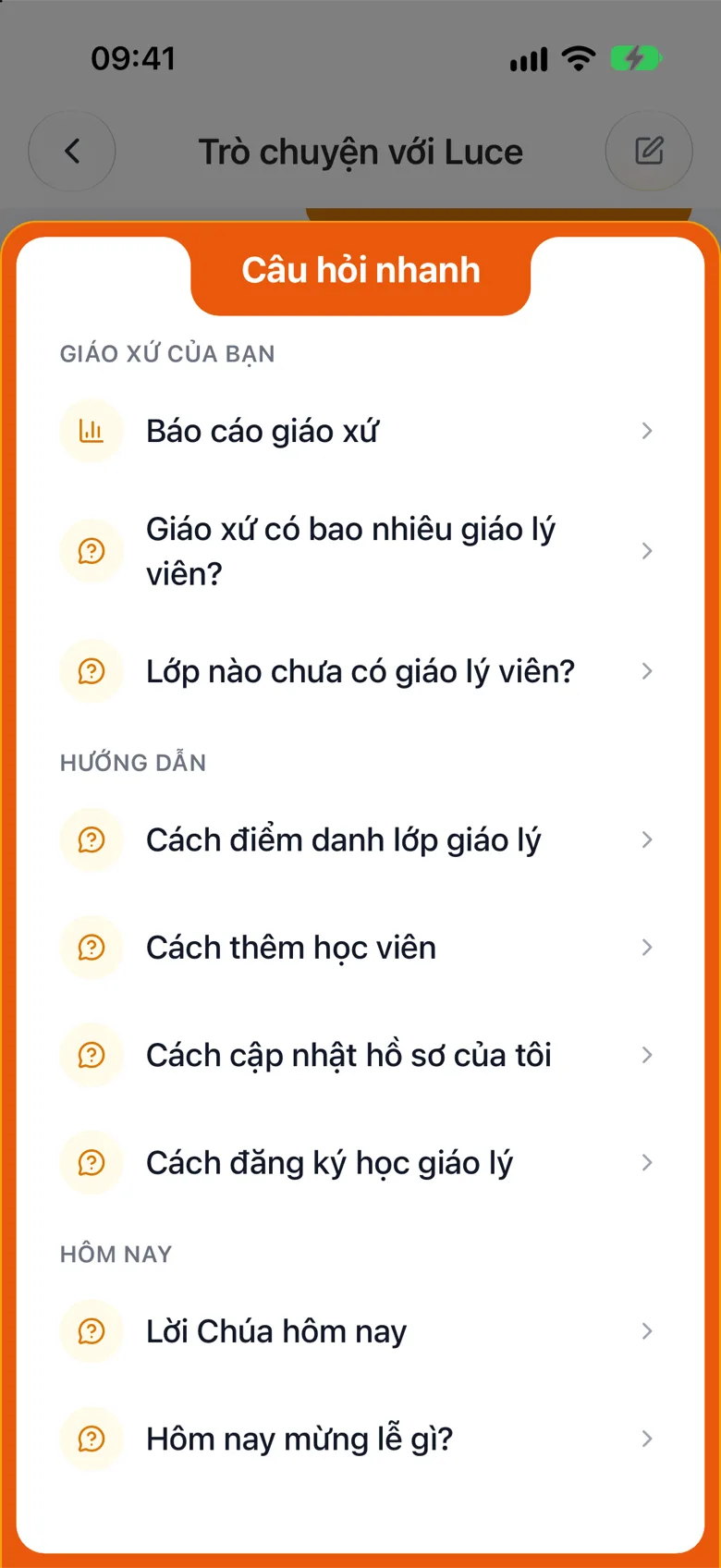
Tap the image to see it larger Or pick «Quick questions»
Tap the ⚡ Quick questions button to pick a ready-made question.
Tap the image to see it larger
Something went wrong?
Luce stops answering
There is a daily limit on questions. Luce answers from the system's data, and catechism questions come from Church documents. For something that needs a person, contact support.