Collect «Holy Cards»
Who can do thisEveryone can view the set of cards; opening a new card needs Light Points (see «Journey Chain»).Phone~3 min
Done when: you can view your cards or open a new one.
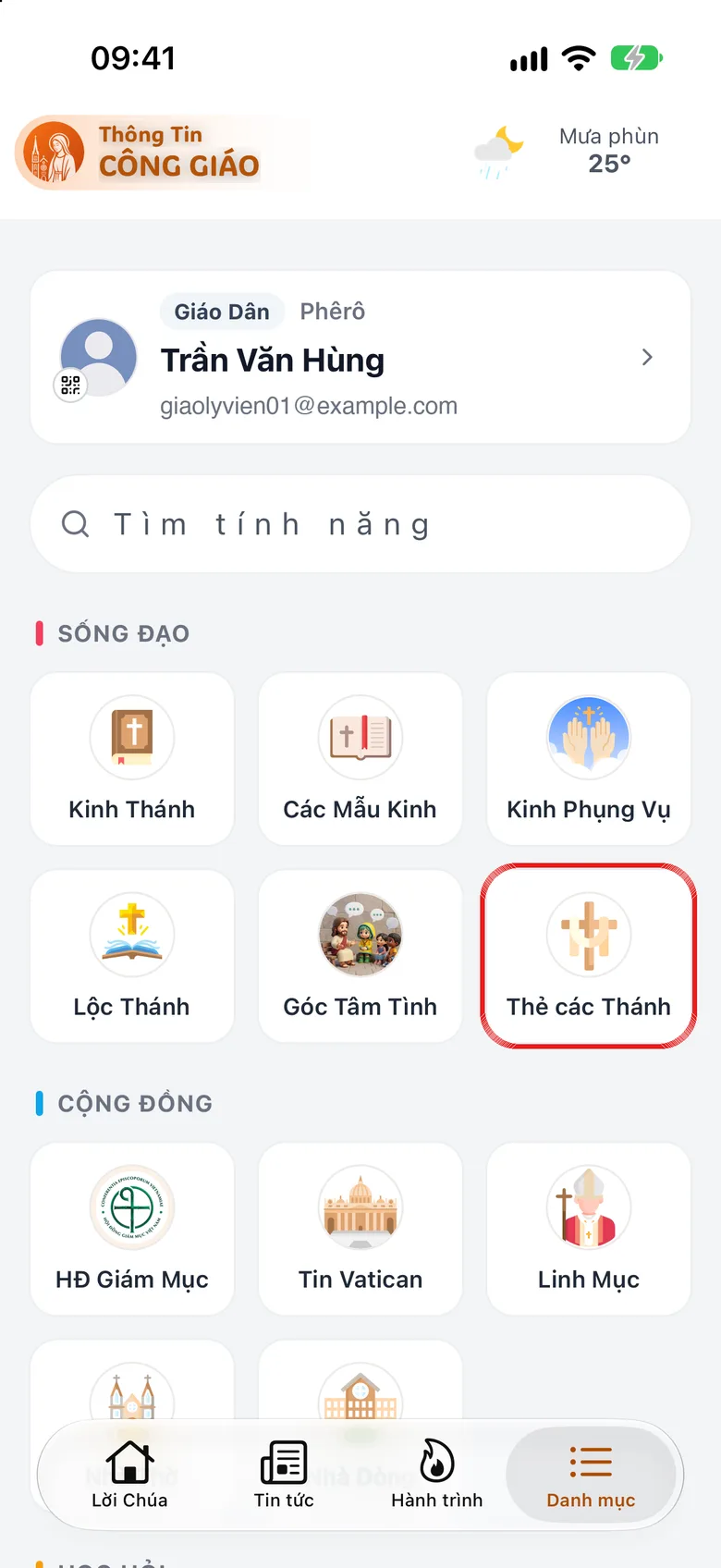
Open «Holy Cards» in «Menu»
Tap the Menu tab, then Holy Cards.
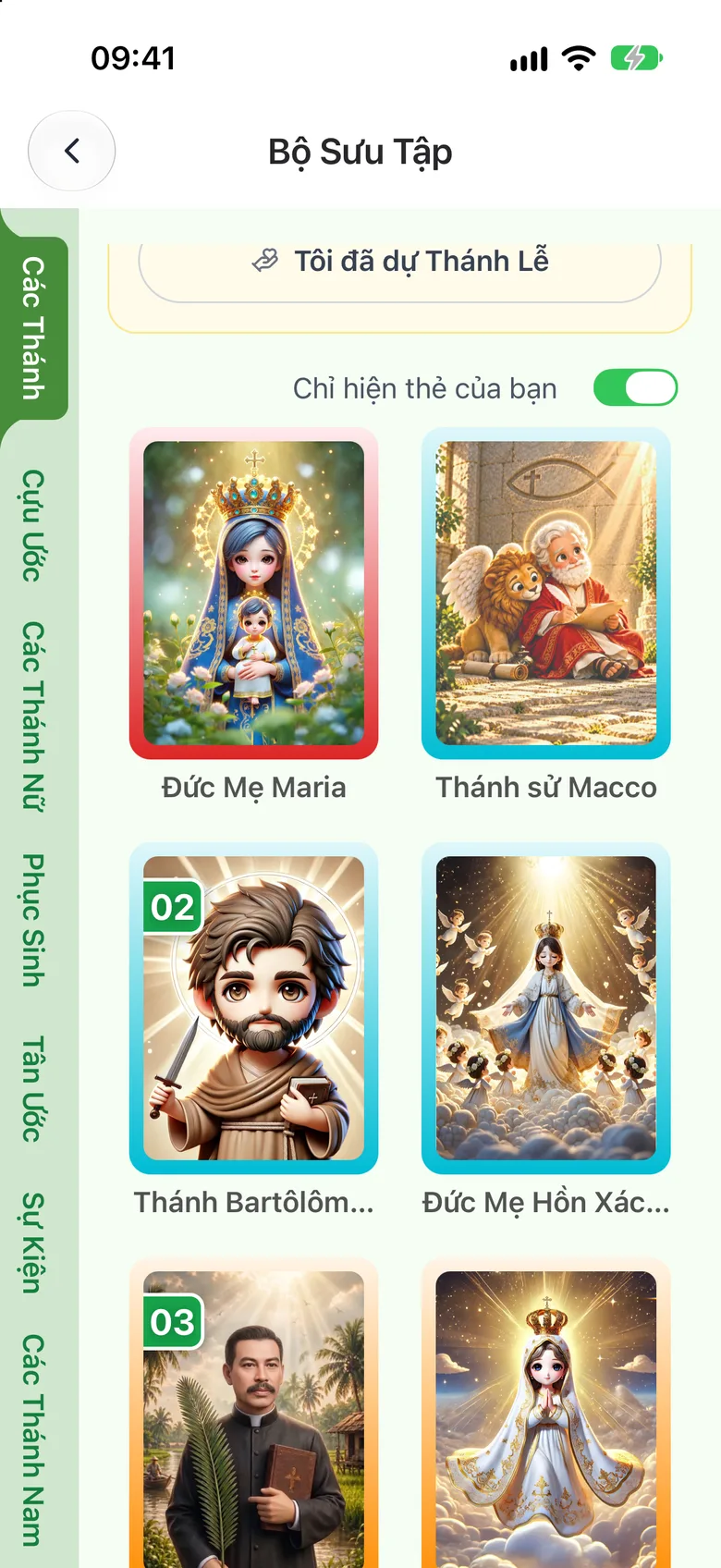
Tap the image to see it larger Show only your cards and read one
On the Card Collection screen, switch on Show only your cards to see the cards you own. Tap a card to open it: tap Biography to read the saint's life (a card that has a prayer also shows a Prayer button).
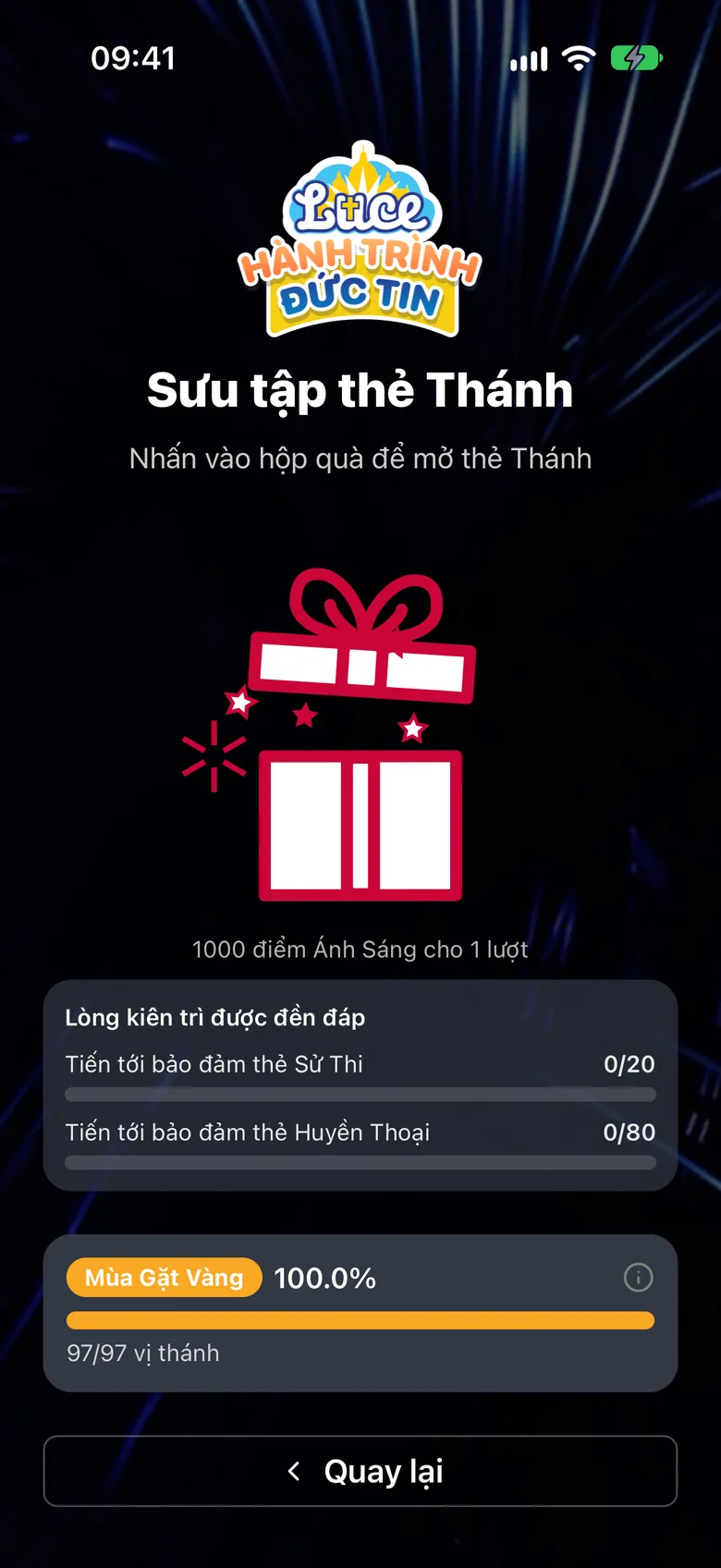
Tap the image to see it larger Open a new card from the «Journey Chain»
Go to Journey Chain → Claim Now → tap the gift box to open a holy card. Each opening costs 1000 Light Points.
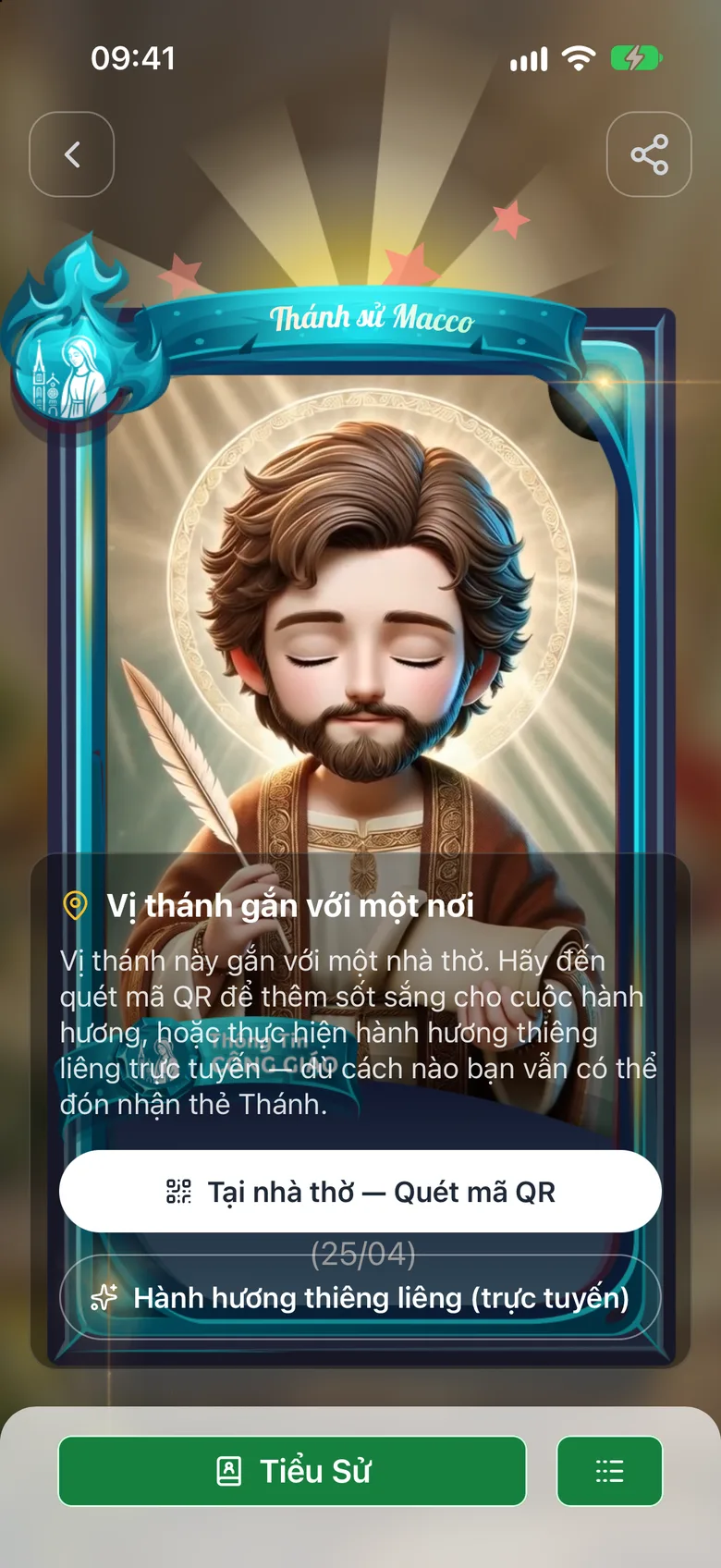
Tap the image to see it larger Choose how to receive a church-linked card
If the card is linked to a church, choose At the church — scan QR or Spiritual pilgrimage (online).
Tap the image to see it larger
Upgrade a card
On a card you own, tap the ≡ button at the bottom of the card, then Upgrade. You need shards from a duplicate card and enough points.
Something went wrong?
It says you need 1000 Light Points to open the gift
Do more tasks: see Earn Light Points every day. Passing a quiz level on the «Journey» tab also gives a card.