Read the Word of God, the Bible and prayers
Who can do thisEveryone.Phone~2 min
Done when: you can read today's reading or the prayer you need.
Read the Bible and the readings of the day
Open «Bible» in «Menu»
Tap the Menu tab, then Bible (in the «Living the Faith» group).
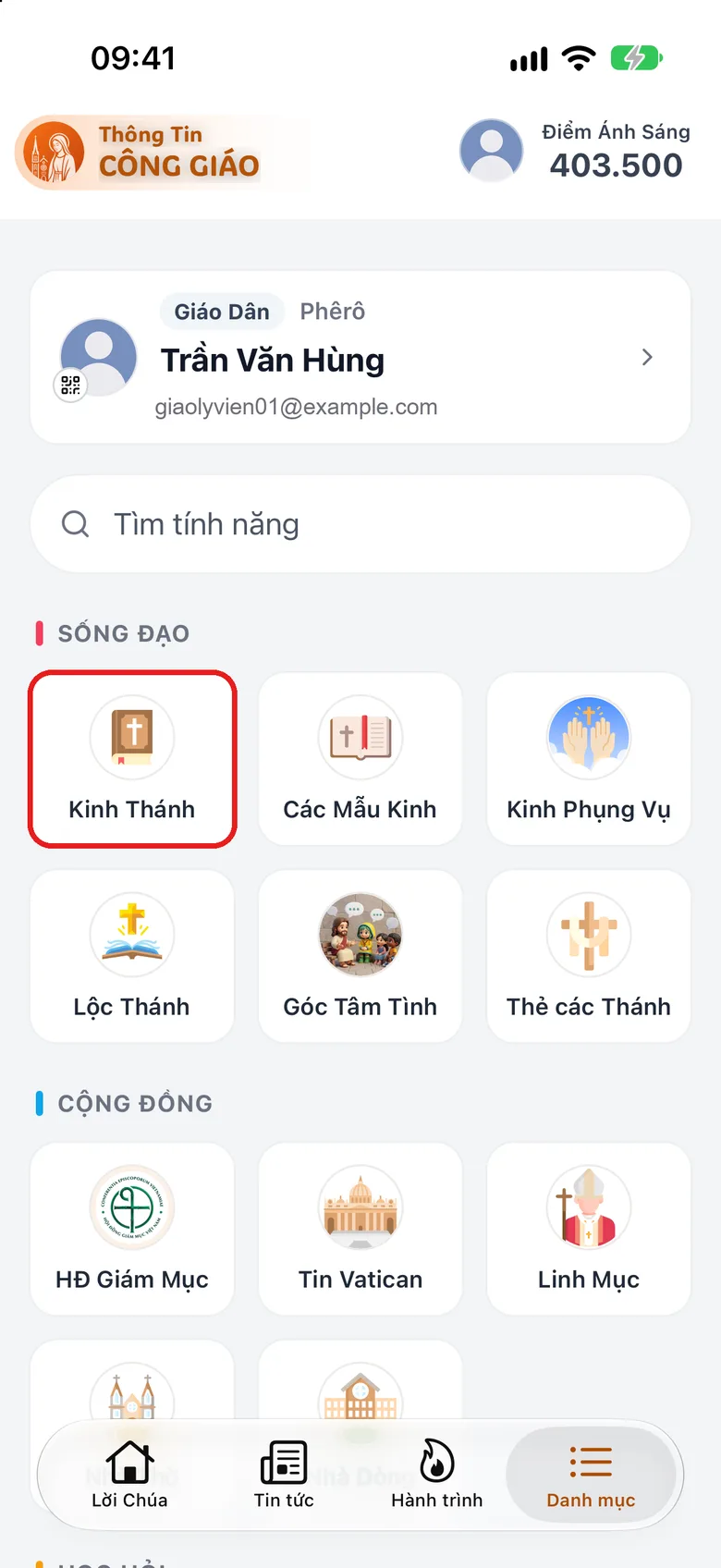
Tap the image to see it larger Choose a book and chapter, or the reading of the day
Choose a book and chapter to read. To read today's text, open the reading of the day.
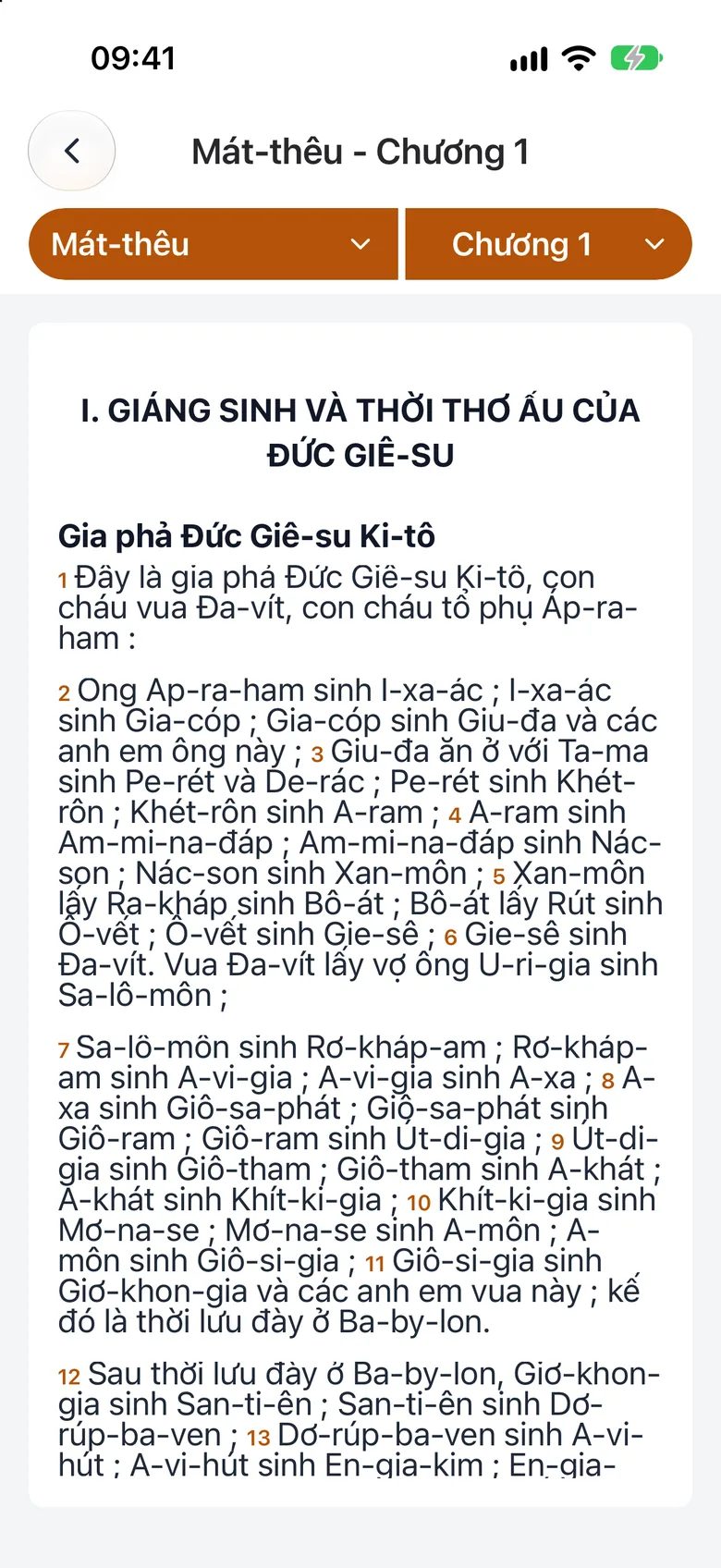
Tap the image to see it larger
Read the liturgy of the hours and common prayers
Open «Divine Office» or «Prayer Templates»
In Menu: tap Divine Office to read the prayer of the hours for the day, or Prayer Templates for commonly used prayers.
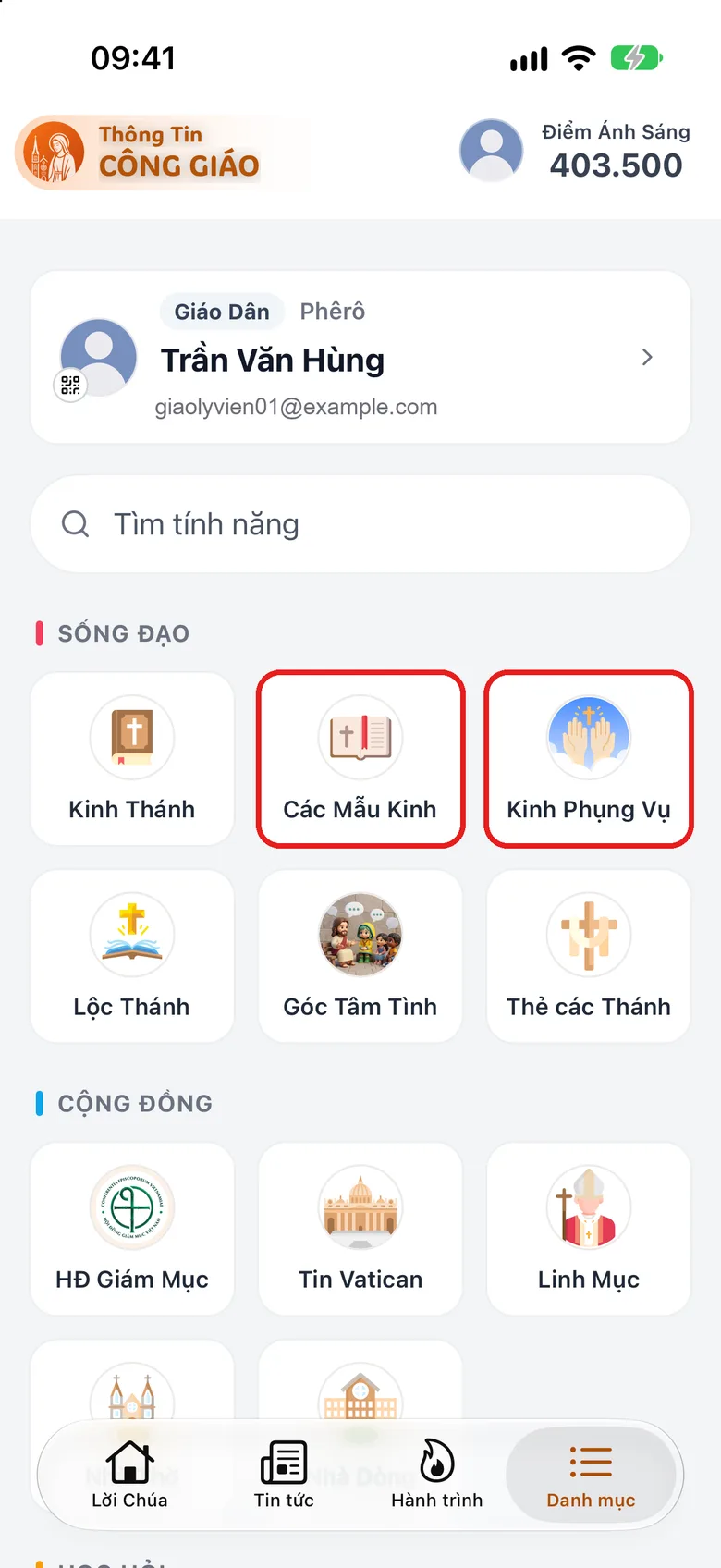
Tap the image to see it larger Choose the hour or prayer to read
Choose the hour or prayer you need, then read.
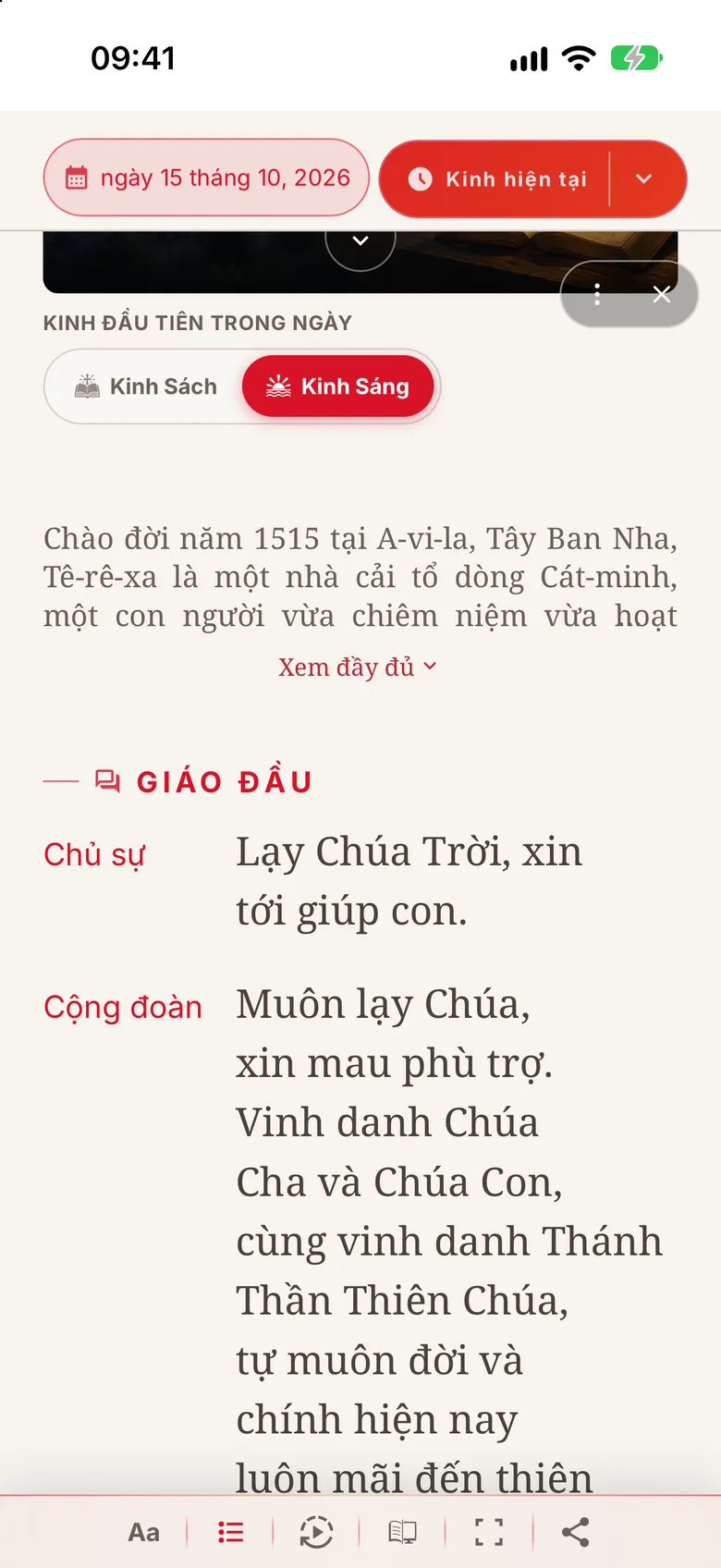
Tap the image to see it larger
Ask Luce
In «Chat with Luce» you can type «today's Word of God» or «John 3:16». See Chat with Luce.
Something went wrong?
A prayer hour is incomplete
Some hours may not be complete for every feast. The Bible in the app is the Vietnamese edition of the CGKPV translation group.