Receive a Holy Blessing every day
Who can do thisEveryone, no sign-in needed.Phone~1 min
Done when: you have read the verse meant for you today.
Open «Holy Blessing» in «Menu»
Tap the Menu tab, then Holy Blessing.
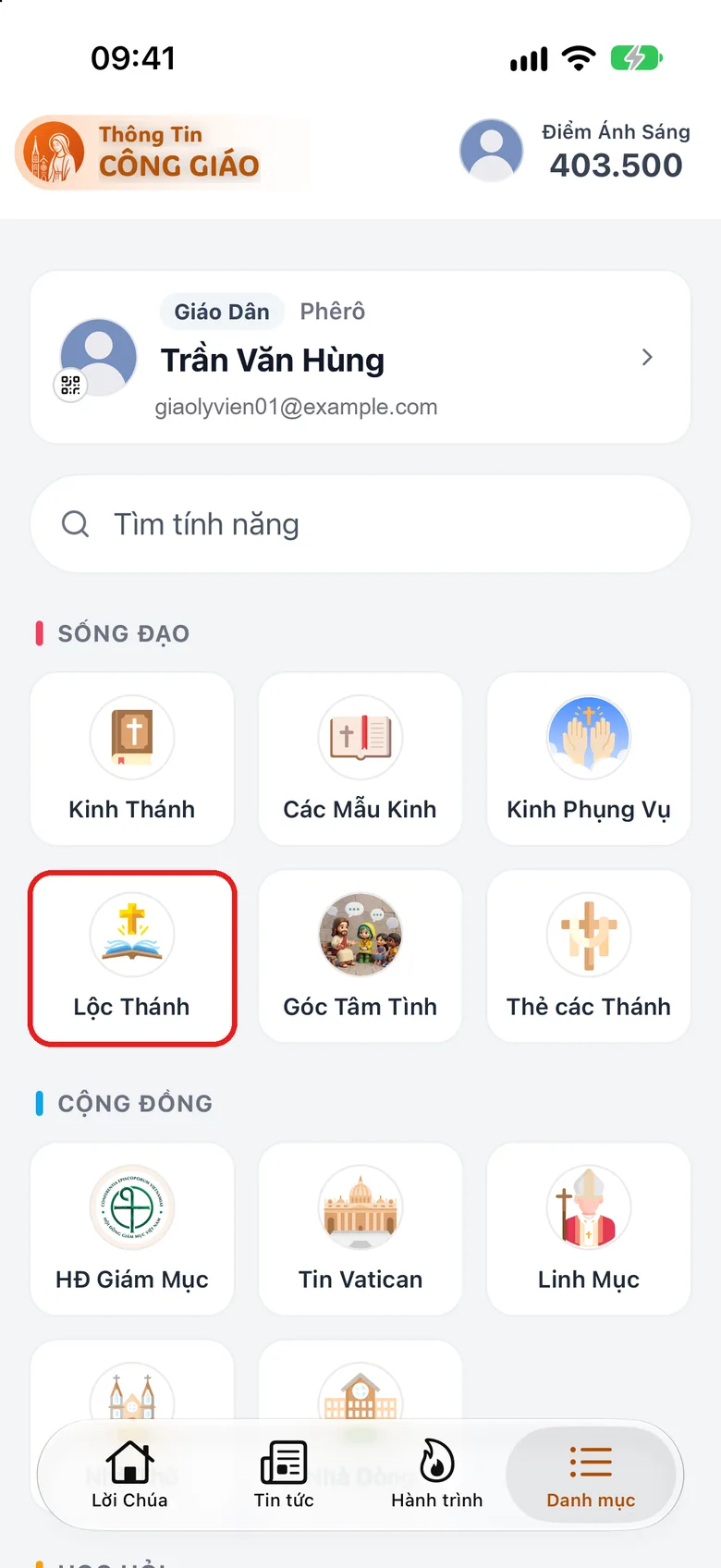
Tap the image to see it larger Wait for the box to open
Wait a moment: the box opens and the verse meant for you today appears.
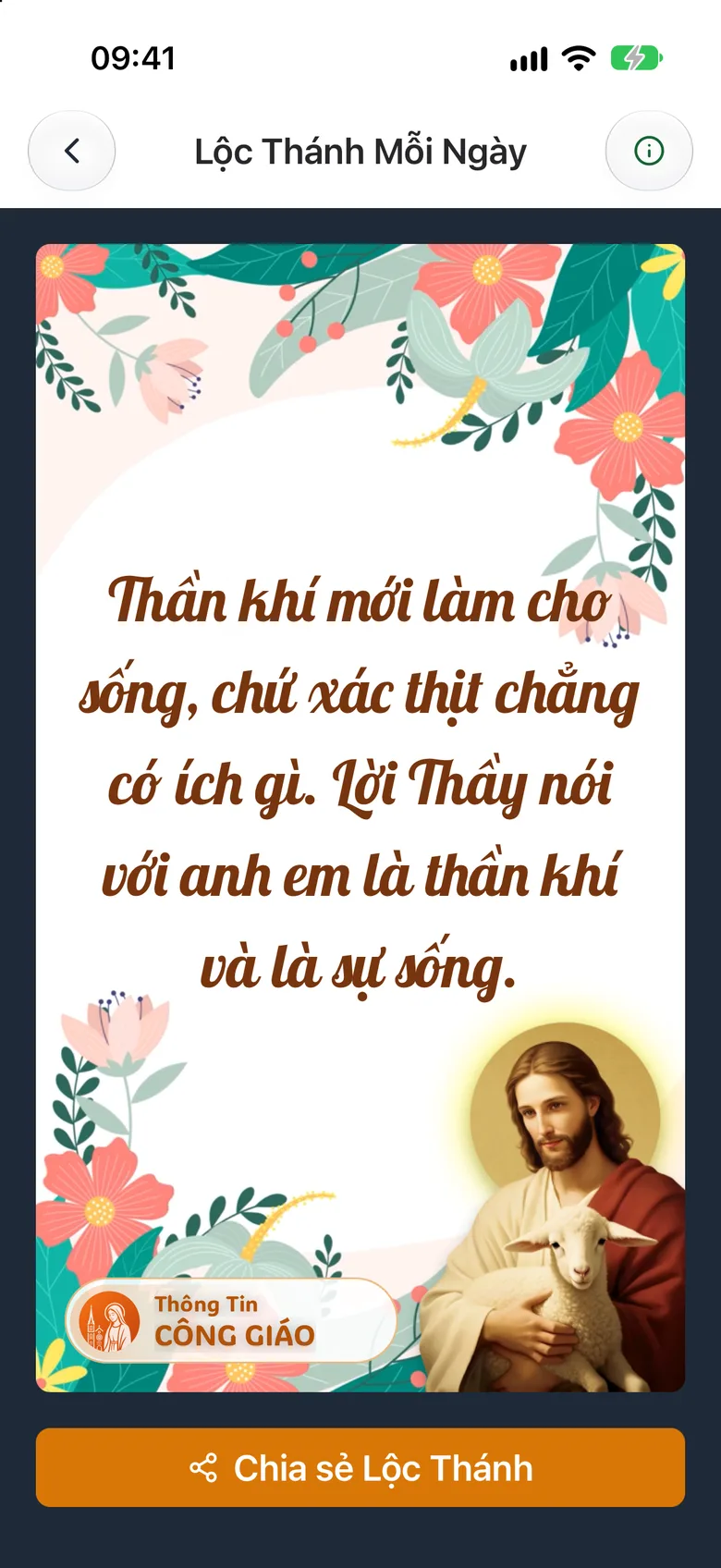
Tap the image to see it larger Share it with family
Tap Share Holy Oracle to send the picture to a relative. To read the rules, tap the ⓘ icon at the top, then Holy Fortune Rules.
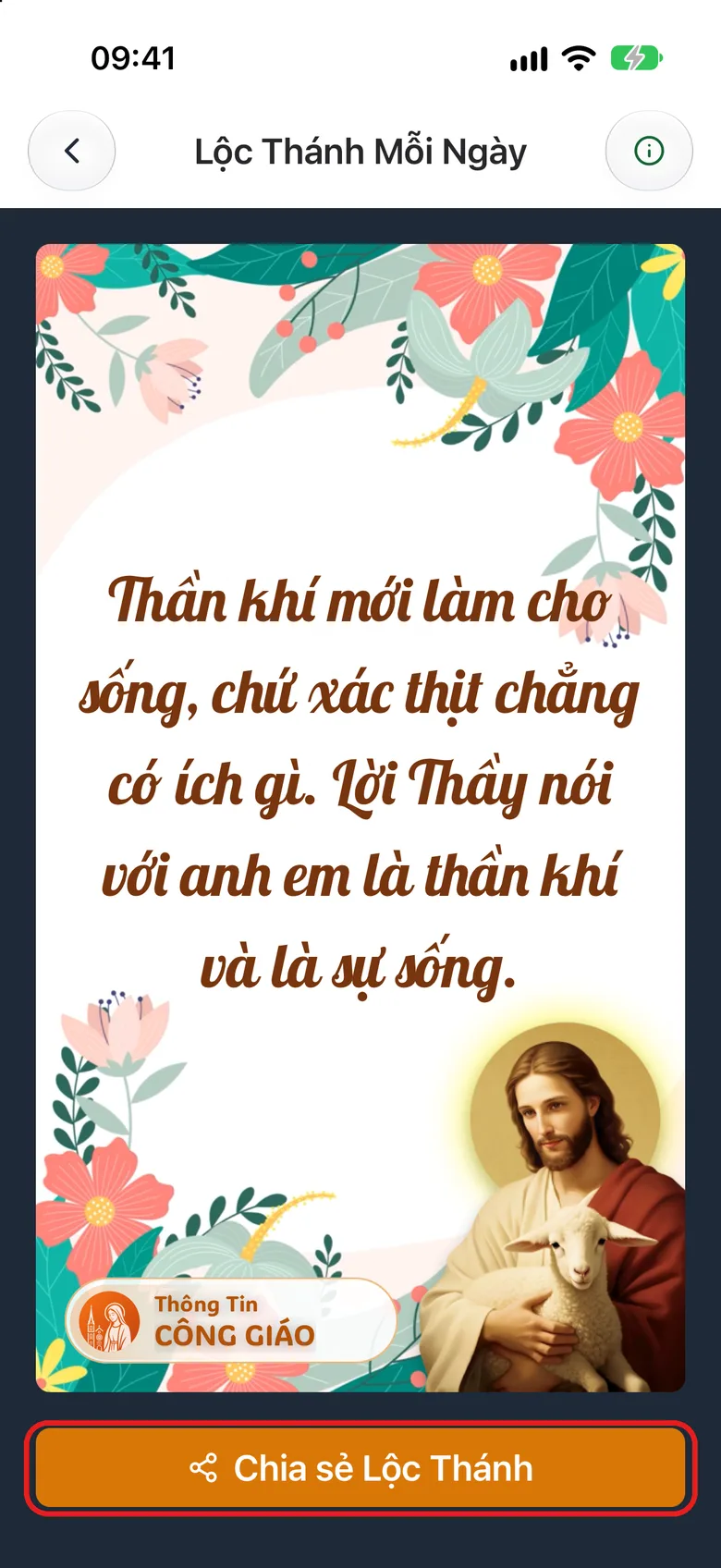
Tap the image to see it larger
Something went wrong?
It shows the same verse when I reopen it
There is one Holy Blessing per day: it is renewed at 00:00 every day. Sharing a Holy Blessing is also a task that earns Light Points.