Update your saint name and personal details
Who can do thisEvery signed-in account.PhoneAdmin site~3 min
Done when: your saint name and full name show correctly at the top of «Menu».
- On the phone
- On the admin site
Tap your name in «Menu»
Open the Menu tab and tap your name at the top.
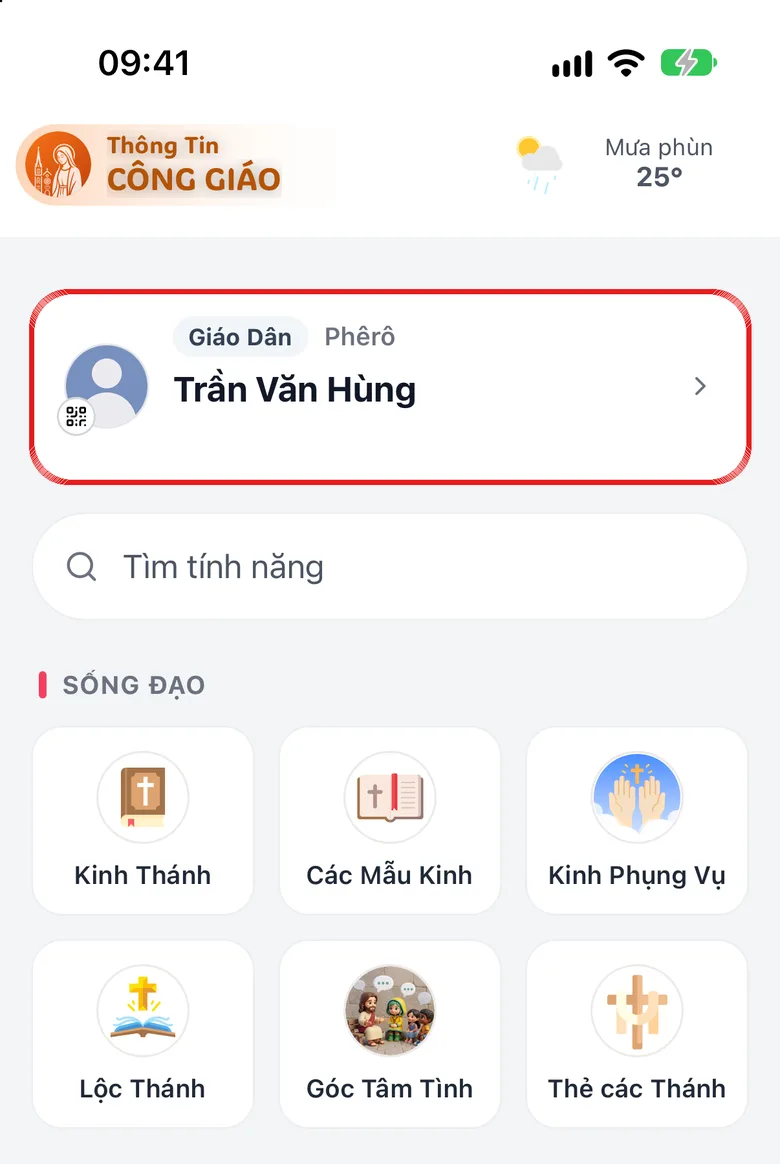
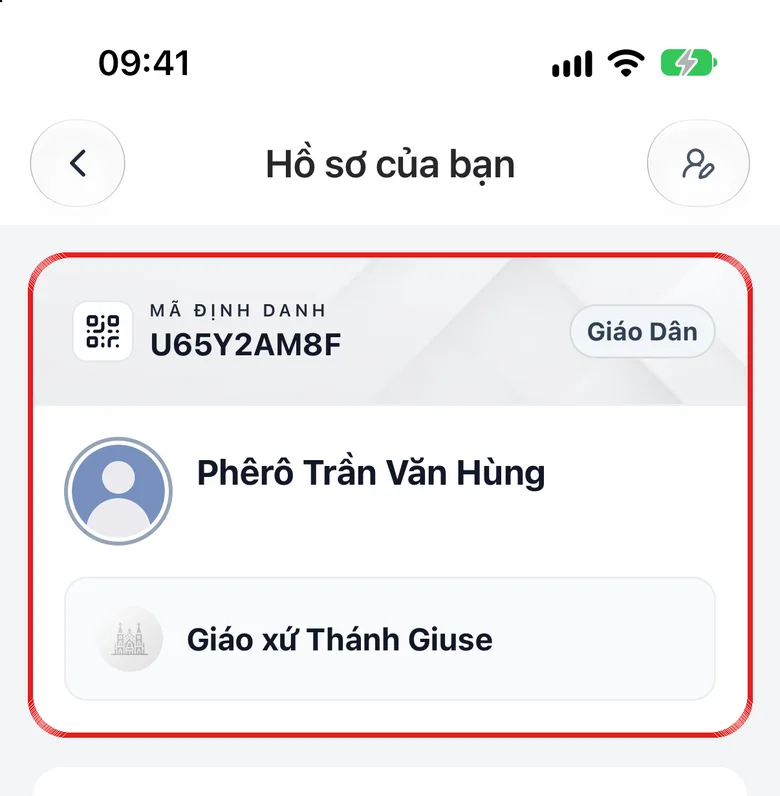
Tap the image to see it larger Tap the personal information card
Tap the personal information card to open the Update Profile screen.
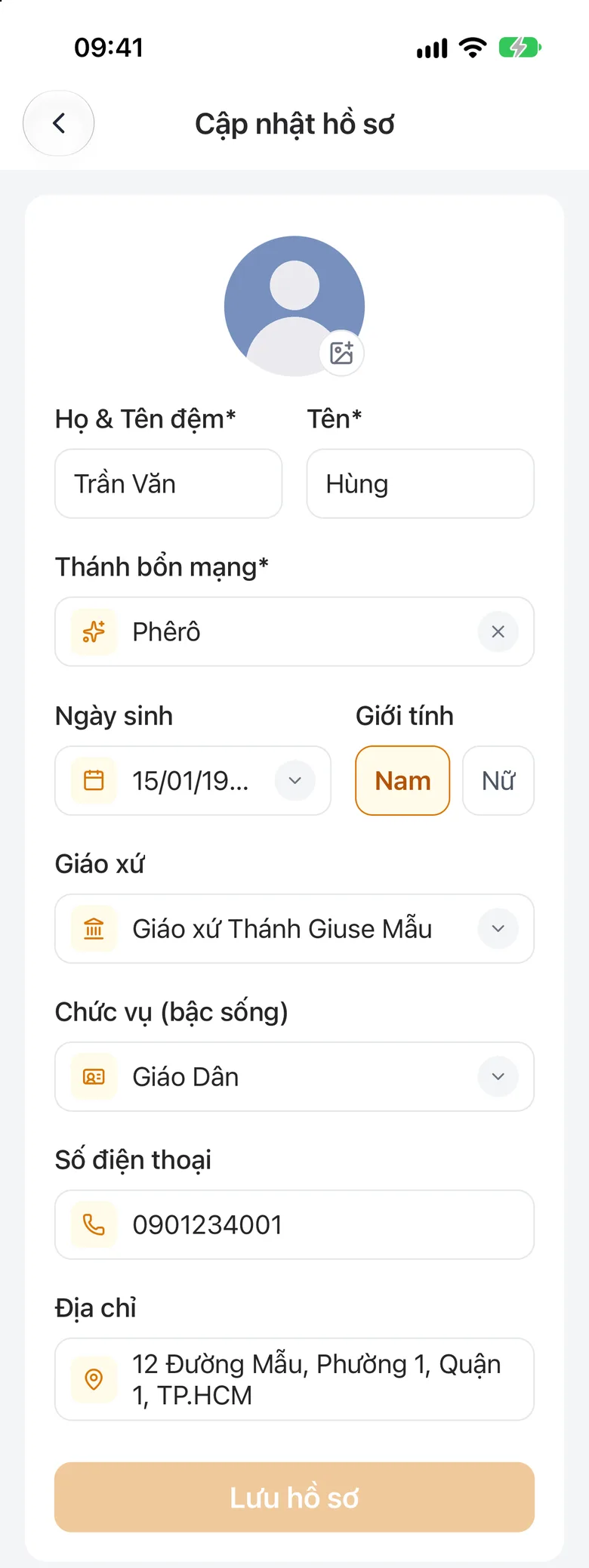
Tap the image to see it larger Edit your details and save
Fill in Last name, First name, Patron saint, Birthday and Phone, then tap the save button.
Tap the image to see it larger
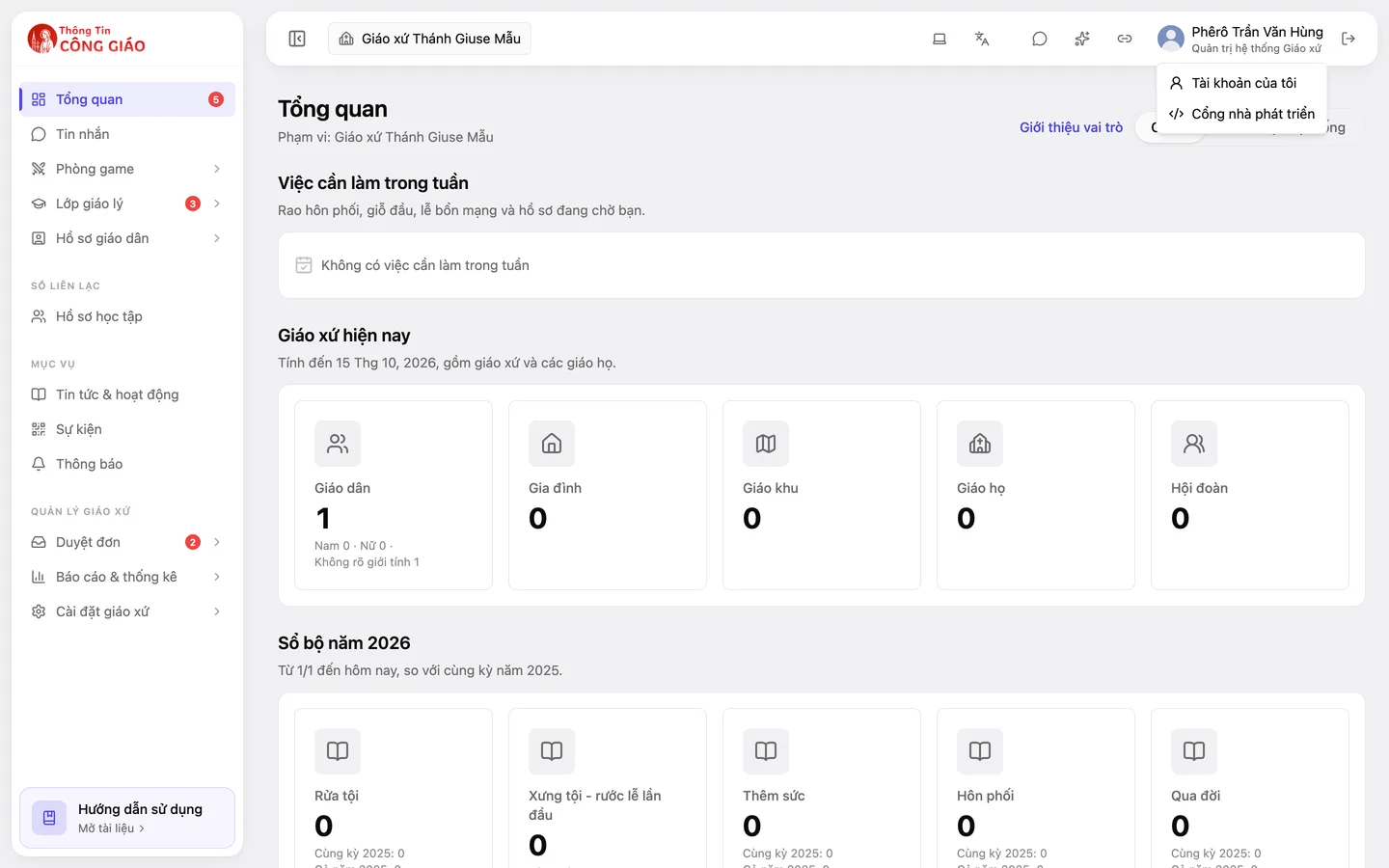
Open «My profile»
Click your avatar at the top, choose My profile, edit your details and click Save changes.
Tap the image to see it larger
Something went wrong?
Some details cannot be edited
Details already confirmed by the parish (for example those in the parish register) cannot be changed directly. The app then sends a change request for the parish to review.